
TP-Link Archer AX21 V5
4.4Editor score
Affordable Wi-Fi 6
1.8 Gbps aggregate bandwidth
Broad provider compatibility
Our guide compares the best router for Google Fiber, covering mesh systems, Wi-Fi 6, Wi-Fi 7, coverage, ports, and setup for homes of every size.
A router for Google Fiber must do more than provide a strong Wi-Fi signal: it should work smoothly with a fiber connection, cover the rooms where you use connected devices, and handle the demands of streaming, gaming, video calls, and smart-home equipment. The right choice depends heavily on home size, layout, and device needs.
This guide compares ten routers and mesh systems using their stated wireless standards, coverage, connection capacity, wired ports, management features, and suitability for Google Fiber installations. It includes Google and Nest systems, advanced TP-Link and GL.iNet models, and a NETGEAR option for users who need multi-gig performance.
Each selection shows why it may fit a particular household, from simple single-point coverage to tri-band, high-speed, multi-gig networking. Product ratings and availability can change, and retailers frequently adjust prices, so shoppers should confirm current specifications, compatibility, and cost before making a final purchase.
4.4Editor score

4.5Editor score

4.4Editor score
The comparison covers wireless generation, stated coverage, connection capacity, and standout features to help you identify the right router for a Google Fiber connection.





The Google WiFi AC1200 3-Pack is an approachable mesh solution for a Google Fiber household that wants one network spread across several rooms. It carries a 4.2 rating and stands out for its stated coverage of up to 4,500 square feet. Three coordinated access points are designed to reduce dead zones and maintain a more consistent signal throughout a home.
We may earn a commission when you buy through this link, at no additional cost to you.
Its main strengths are straightforward setup and unified management through the Google Home app. Users can create guest networks, review connected devices, pause access, and set parental controls without navigating a complex technical interface. The mesh points work together intelligently, while the included system is designed to support streaming, browsing, gaming, and smart-home devices across a moderate-to-large residence.
The important limitation is that this is a Wi-Fi 5 system rather than Wi-Fi 6 or Wi-Fi 7. It cannot take advantage of the newest client standards or their higher efficiency, and the supplied information does not advertise multi-gigabit Ethernet. For many households, those omissions will matter less than reliable coverage and simple administration, especially if the broadband service is the primary source of a speed upgrade.
Choose this bundle when you value a polished Google ecosystem, want broad coverage without managing several independent networks, and do not need the newest wireless standard. It is especially sensible for apartments, single-family homes with several floors, and users already comfortable with Google Home. It is our overall pick because the three-point design balances capacity and convenience better than a single unit.
The three access points work as one mesh network, allowing connected devices to move among nodes while the system selects an appropriate connection. This is useful for extending coverage into bedrooms, upstairs spaces, offices, and other areas that may be beyond a conventional router's useful range.
The Google Home app provides a centralized place to configure the network, inspect connected devices, set up guest access, pause individual devices, and apply parental controls. That makes this system approachable for users who want few technical decisions after installation.
We may earn a commission when you buy through this link, at no additional cost to you.
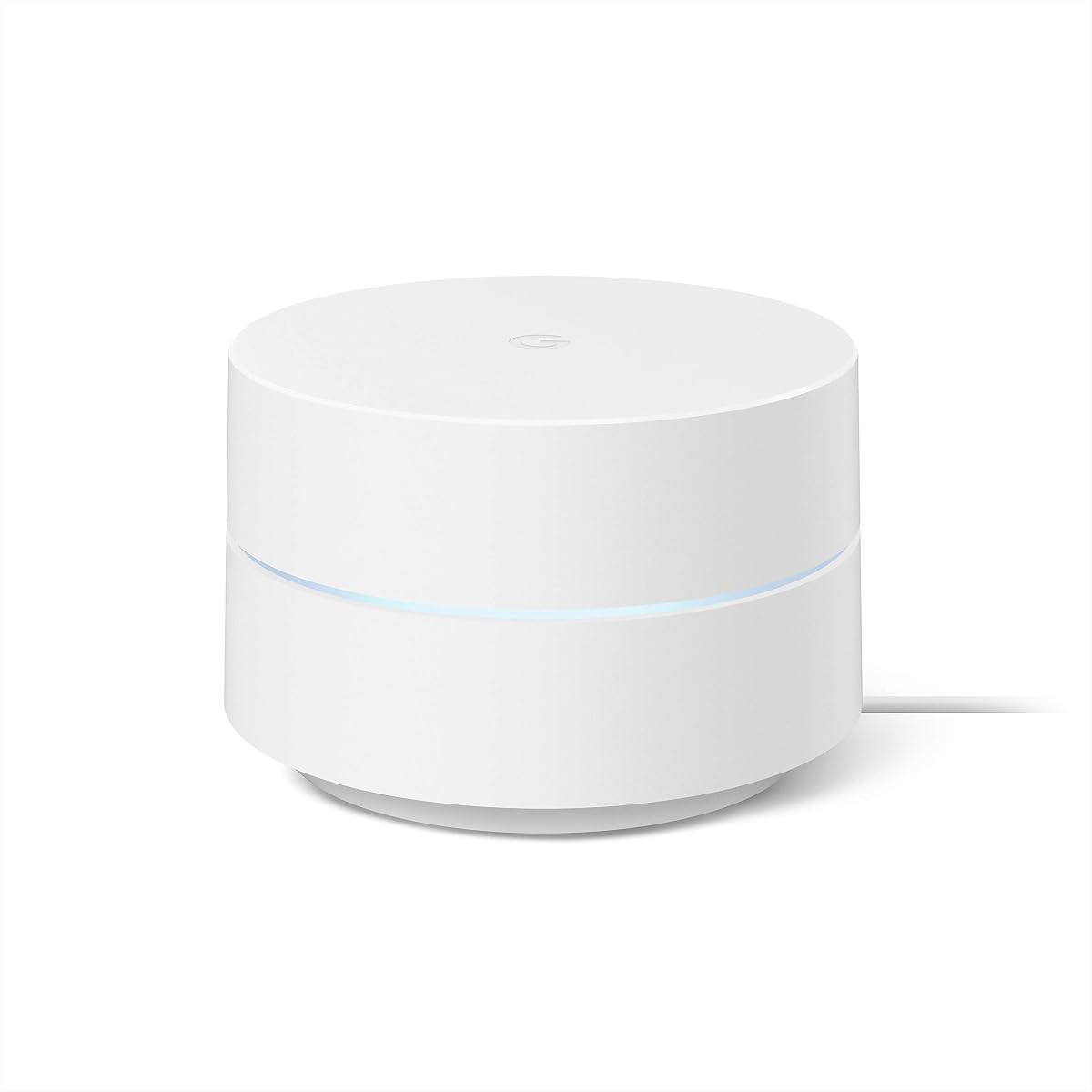
The single-pack Google WiFi AC1200 is a sensible budget router for a Google Fiber connection in a compact home or apartment. Its 4.5 rating reflects a well-received balance of ease of use, reliable coverage, and useful management features. The stated area of up to 1,500 square feet makes it most appropriate where a single point can reasonably serve the occupied spaces.
We may earn a commission when you buy through this link, at no additional cost to you.
This router replaces a conventional wireless router and creates a scalable mesh network. Additional Google WiFi points can be added later if the home expands, the layout changes, or a difficult room needs better coverage. Setup is performed through the Google Home app in a short sequence, while features such as device prioritization, speed checks, guest networks, and parental controls are available from the same interface.
The main drawback is its ceiling. A single point is not designed to deliver the broad whole-home coverage of a three-pack system, and a large house with multiple floors may encounter weak signals in distant rooms. It also lacks the high-speed multi-gig ports and newer wireless capabilities found in premium routers. Those limitations matter if you plan to add many demanding devices or connect a home server.
This is our budget recommendation for smaller Google Fiber users who want an easy, expandable system without moving to a traditional complex router. Buy it for a studio, apartment, or compact home with a straightforward layout. For larger spaces, the three-pack version is usually the more complete investment.
The single-point design is ideal when the router is near the center of a modest home. It avoids unnecessary equipment while retaining the ability to add mesh points later, giving buyers a flexible path if their coverage needs change.
Device prioritization, guest networking, speed checks, and parental controls make the app more than a basic setup tool. Users can make common network changes without needing to learn advanced router terminology or repeatedly log into a web administration page.
We may earn a commission when you buy through this link, at no additional cost to you.
The GL.iNet GL-MT6000 Flint 2 is the most flexible premium pick for a high-speed Google Fiber setup. It carries a 4.5 rating and combines Wi-Fi 6, an eight-stream radio system, powerful hardware, and two 2.5-gigabit Ethernet ports. The advertised aggregate wireless speed reaches 6 Gbps, although actual Internet performance remains limited by the client device and service plan.
We may earn a commission when you buy through this link, at no additional cost to you.
The router's standout feature is flexibility. Its 2.5G ports can support fast wired networks and compatible fiber equipment, while the stated support for more than one hundred connected devices suits busy smart homes. It also includes strong VPN capabilities, with advertised WireGuard and OpenVPN rates that are useful for remote access, privacy, and work scenarios. AdGuard Home support adds another layer of DNS-based filtering control.
The learning curve is less forgiving than that of a Google Nest system. Setup involves connecting the MT6000 to a computer by Ethernet and accessing its web administration panel, and the product guidance recommends updating the firmware during initial setup. The range of VPN, DNS, storage, and advanced network options can also be unnecessary for a simple household, so the Flint 2 is most rewarding for users who understand the extra controls.
Choose the Flint 2 when your Google Fiber service, computer, or network storage uses multi-gig speeds and you want meaningful configuration control. It is an excellent option for gamers, remote workers, power users, and technically engaged users. If you only need easy whole-home Wi-Fi and have modest client equipment, a simpler mesh system may deliver a better experience.
The two 2.5G Ethernet ports add useful headroom for compatible fiber modems, laptops, desktops, and network storage. That wired capacity is increasingly relevant when a broadband plan is fast enough that a single-gigabit device would otherwise become the limiting link.
WireGuard, OpenVPN, and AdGuard Home support distinguish the Flint 2 from basic mesh routers. These tools make it possible to build a private remote-access path, route selected traffic through a VPN, or filter domains and advertisements through a local DNS interface.
We may earn a commission when you buy through this link, at no additional cost to you.
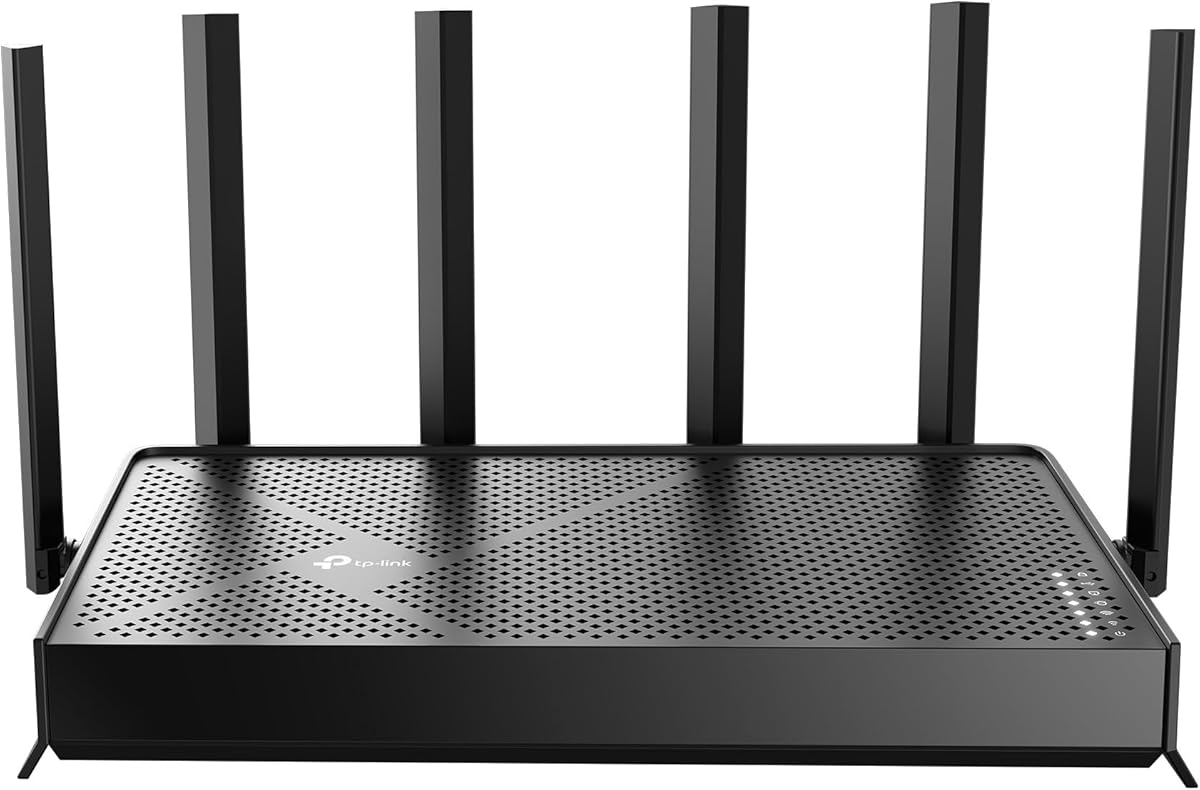
The TP-Link Archer AX21 V5 is a compelling conventional router for Google Fiber users who want a modern wireless standard without moving to a mesh bundle. It has a 4.4 rating, dual-band Wi-Fi 6, and up to 1.8 Gbps of aggregate bandwidth. It is particularly well suited to apartments and medium homes where one well-placed router is sufficient.
We may earn a commission when you buy through this link, at no additional cost to you.
The AX21 distributes up to 1,200 Mbps on the 5 GHz band and up to 574 Mbps on 2.4 GHz under the stated conditions. OFDMA helps it communicate with multiple devices simultaneously, while beamforming, four high-gain antennas, and a front-end module support signal strength and range. OpenVPN and PPTP server support add useful remote-access options, and the Tether app makes configuration approachable.
The tradeoff is that this remains a single-router design. Walls, floors, and a sprawling layout can produce weak areas that a mesh system would handle more consistently. It also operates on dual-band Wi-Fi 6 rather than Wi-Fi 6E or Wi-Fi 7, and its supplied information does not highlight multi-gigabit ports. Those limits reduce its appeal for users seeking premium wired throughput.
The Archer AX21 V5 is a strong recommendation for renters, couples, and families in homes up to roughly 1,500 to 2,000 square feet who need an affordable step up from older Wi-Fi 5 equipment. It also works with a broad range of Internet providers, making it practical for users who may change services later.
OFDMA allows the router to communicate with more clients simultaneously, reducing congestion on busy networks. The Archer AX21 V5 also focuses coverage through beamforming and four external antennas, making it a sensible upgrade for homes filled with phones, televisions, laptops, and smart-home accessories.
TP-Link's Tether app gives users a straightforward way to configure and monitor the network. The manufacturer also recommends checking for the latest firmware through the app, which can improve reliability and help the router take advantage of current security and performance refinements.
We may earn a commission when you buy through this link, at no additional cost to you.
The Google Nest WiFi Pro 3-Pack is the most advanced Google-branded system in this guide. It has a 4.0 rating and uses Wi-Fi 6E across 2.4 GHz, 5 GHz, and 6 GHz bands. Its three access points provide up to 6,600 square feet of stated coverage, making it a strong option for large homes that want broad mesh coverage and current wireless capabilities.
We may earn a commission when you buy through this link, at no additional cost to you.
The system automatically adjusts network performance and activity, prioritizes video calls, and helps websites load quickly. It also monitors the network, diagnoses issues, and can fix certain common problems automatically. Secure boot and software-update features add protection, while the Google Home interface lets users review connections, pause unfamiliar devices, and create a separate guest network.
Compatibility is an essential consideration. The product information specifically notes that Nest Wifi Pro is not compatible with previous-generation Google Wifi or Nest Wifi systems. An existing Google mesh owner therefore may need to replace the older system instead of expanding it. Its premium hardware position also makes it less compelling for a small apartment where a single point would suffice.
Choose the Nest WiFi Pro when you want the newest Google mesh design, live in a large property, and want a self-managing system with polished app controls. It is particularly appropriate for households that will use compatible Wi-Fi 6E devices and value automatic optimization over low-level configuration.
The addition of the 6 GHz band gives compatible modern devices another dedicated path for high-speed traffic. Because older clients cannot use that band, its value depends on the devices throughout the home, but it makes the system more future-oriented than dual-band Wi-Fi 5 mesh systems.
Automatic optimization, monitoring, diagnostics, and issue resolution can reduce the need for manual troubleshooting. These features are especially useful for households that want the network to maintain performance without frequent visits to advanced settings.
We may earn a commission when you buy through this link, at no additional cost to you.
The Google Nest WiFi AC2200 gives buyers more stated coverage from a single unit than the original Google WiFi. With a 4.4 rating and coverage of up to 2,200 square feet, it is a good middle ground for medium-sized homes, apartments, and properties where one node is convenient but one Google WiFi point may be marginal.
We may earn a commission when you buy through this link, at no additional cost to you.
As part of the Google mesh ecosystem, it offers a familiar path to whole-home networking without the complexity of a conventional gaming or enthusiast router. Users can manage the system through Google Home, add more points when necessary, and use features such as guest networks, device prioritization, and parental controls. Its physical design also fits neatly into a living space better than many antenna-equipped routers.
The main limitation is age. AC2200 is still a dual-band Wi-Fi 5 platform, so it cannot deliver Wi-Fi 6E or Wi-Fi 7 features and may offer less efficiency for a large collection of modern devices. The single point's advertised coverage also cannot account for every wall, floor, and interference source, so difficult layouts may still require a mesh bundle.
This model suits users who want a simple, attractive Google mesh system with a moderate coverage target. It can also serve as an additional node for an existing compatible Nest mesh network. Choose it when ease of use and ecosystem integration matter more than access to the newest radio bands.
A stated capacity of up to 2,200 square feet makes the Nest WiFi AC2200 suitable for more homes than a standard 1,500-square-foot point. Placement near the center of the property remains important because walls and floors can reduce effective coverage.
The system fits naturally into a home already using Google services. Centralized app management, easy guest access, and straightforward expansion make it convenient for people who want a consistent interface across routers, points, and connected devices.
We may earn a commission when you buy through this link, at no additional cost to you.
The TP-Link Archer BE600 is a high-end Wi-Fi 7 router designed for households with fast Google Fiber service and modern client devices. Its 4.2 rating reflects a feature-rich platform that includes tri-band wireless, Multi-Link Operation, 4K-QAM, wide-channel support, and a 10-gigabit WAN/LAN port for compatible fiber modems and high-speed wired networks.
We may earn a commission when you buy through this link, at no additional cost to you.
The stated 6 GHz bandwidth reaches up to 5,765 Mbps, with additional capacity on the 5 GHz and 2.4 GHz bands. The router is advertised for up to 2,600 square feet and as many as 120 connected devices. Six antennas and beamforming focus coverage, while Multi-Link Operation is intended to maintain a strong connection by combining multiple bands.
The caveat is that modern wireless specifications do not guarantee faster service in every home. Clients need Wi-Fi 7 support to exploit features such as 4K-QAM, Multi-Link Operation, and 320 MHz channels, while walls, interference, device capabilities, and the Google Fiber plan also determine results. This is therefore a forward-looking purchase rather than an automatic upgrade for every household.
Choose the Archer BE600 if you own Wi-Fi 7 devices, use a multi-gig fiber plan, and want a single tri-band router with extensive ports. It is well suited to high-end gaming systems, large smart homes, and users who expect their device ecosystem to grow into newer Wi-Fi 7 hardware.
The 10 Gbps WAN/LAN port, one additional 2.5 Gbps WAN/LAN port, and three 2.5 Gbps LAN ports create an unusually flexible wired layout. A compatible multi-gig modem can use that headroom for fiber service, while local devices can benefit from fast file transfers and network storage connections.
Multi-Link Operation, Multi-RUs, 4K-QAM, and support for channels up to 320 MHz position the BE600 for recent high-end phones, computers, consoles, and other clients. Users should verify that their most important devices support Wi-Fi 7 before expecting the full advertised benefit.
We may earn a commission when you buy through this link, at no additional cost to you.
The Google WiFi System NLS-1304-25 is a straightforward router replacement with a strong 4.6 rating, the highest among the ten products listed. Its single access point covers up to 1,500 square feet and uses Network Assist technology to choose a clear channel and suitable band for connected devices. It is a practical choice for compact Google Fiber homes that want simple coverage.
We may earn a commission when you buy through this link, at no additional cost to you.
The app-based setup process is concise, and the management interface allows users to see connected equipment, prioritize devices, and pause Wi-Fi on selected devices. Additional points can be added for broader coverage, making the system flexible despite its single-pack format. It also includes 24/7 phone support and a one-year warranty according to the supplied product information.
Its biggest compromise is technological age. This system uses 2×2 802.11ac Wave 2, meaning it is a Wi-Fi 5 product with a stated throughput of 1,200 Mbps. It cannot use 6 GHz spectrum or Wi-Fi 6E and Wi-Fi 7 efficiency features. For older or moderately priced client equipment, that may be perfectly adequate, but newer device owners may eventually want a newer platform.
This model works best for a small home, condo, or single-floor space where a single central point is enough. Its high rating, straightforward operation, and expandable design make it a dependable budget choice within the Google ecosystem. For a larger property, choosing a three-pack or Wi-Fi 6E system now can reduce the need for another upgrade later.
Network Assist selects what it identifies as the clearest channel and fastest band for devices. This hands-off approach gives the system a useful degree of intelligence without exposing users to complicated radio settings during normal operation.
A single point is sufficient for the stated area, but the mesh design lets users add more points if needed. That scalability makes the system practical for households whose requirements are likely to expand or whose walls create troublesome dead zones.
We may earn a commission when you buy through this link, at no additional cost to you.
The NETGEAR Nighthawk RS700S is built for fast fiber connections and demanding households that want room for future growth. It carries a 4.4 rating and advertises up to 19 Gbps of aggregate throughput across 2.4 GHz, 5 GHz, and 6 GHz bands. A dedicated tri-band design, MU-MIMO, and OFDMA help serve many clients while maintaining high wireless capacity.
We may earn a commission when you buy through this link, at no additional cost to you.
The strongest feature is its 10 Gbps WAN port, which allows a compatible fiber modem or gateway to deliver multi-gig service to the router. There is also a 10 Gbps LAN port and four 1 Gbps LAN ports for computers, televisions, gaming equipment, and network storage. Coverage is stated at up to 3,500 square feet and as many as 200 devices, although walls, floors, and interference can reduce both figures.
NETGEAR Armor adds another layer of protection but requires a separate subscription after its trial period. That makes the base router's ongoing ownership cost less predictable than a model whose essential security features are included. Real-world wireless speed also depends on compatible clients and the service plan, so buyers should distinguish the router's aggregate capacity from the speed any individual device will receive.
Choose the RS700S for a premium Google Fiber plan, a connected home with many high-speed devices, or a user who values fast wired ports. It is also a sensible upgrade for those preparing for multi-gig service without moving immediately to a mesh system. Smaller homes with slower client equipment may gain little from its full capability.
The 10 Gbps WAN port is the defining feature for Google Fiber users with high-speed plans. When paired with compatible service equipment, it prevents a single-gigabit network port from prematurely limiting the available broadband connection.
A 12-stream architecture, MU-MIMO, OFDMA, and support for as many as 200 devices target busy environments. The stated capacity is particularly attractive to households combining smart-home accessories, work devices, entertainment systems, and frequent video calls.
We may earn a commission when you buy through this link, at no additional cost to you.
The Nest WiFi 3-Pack combines a router, two mesh points, and Google Assistant smart speakers in one system. Its 4.2 rating and stated coverage of up to 5,400 square feet make it a compelling whole-home option for Google Fiber users who also want voice control. The mesh design keeps connected devices moving through a unified network while the points extend coverage into difficult areas.
We may earn a commission when you buy through this link, at no additional cost to you.
Each router and point can handle up to 100 connected devices, and the system is designed to support multiple 4K streams. Every unit includes two Ethernet ports, which gives users more options for wired connections than many minimalist mesh points. Google Assistant can control network settings, play music, answer questions, and manage compatible connected devices when an Internet connection is available.
The system's key drawback is its Wi-Fi 5 foundation. It cannot offer Wi-Fi 6E's 6 GHz band, Wi-Fi 7 features, or the newest efficiency gains. It is also incompatible with Nest Wifi Pro according to the supplied guidance for that product, so buyers should consider ecosystem compatibility carefully before adding or mixing systems.
This bundle is best for a large home that values simple mesh management and integrated voice assistance over newest wireless standards. It is especially appealing to households already using Google Assistant and seeking a three-piece expansion kit. Buyers focused on future client technology may prefer a current Wi-Fi 6E or Wi-Fi 7 system instead.
The two points extend the network while also providing physical locations for Google Assistant. This combination can make it convenient to ask for music, control compatible smart-home devices, or manage the network from different rooms without buying separate speakers.
Two Ethernet ports on each router and point make it easier to connect a desktop, game console, television, or other wired device while retaining a mesh network. That flexibility helps the system serve mixed-use homes rather than limiting it to wireless clients.
We may earn a commission when you buy through this link, at no additional cost to you.
The right Google Fiber router depends on service speed, home layout, client hardware, wired needs, and the level of control you want. These factors help separate a simple mesh point from a capable standalone router or premium multi-gig system.
A Wi-Fi router does not create the fiber Internet connection itself. Google Fiber service is normally delivered through compatible networking equipment, and the router you choose must communicate with that equipment correctly. Some gateway and modem-router combinations can require bridge mode, while a standalone router connects through Ethernet. Before purchasing, confirm which port on the Google Fiber equipment should connect to the new router and whether any service-provided device is still required for Internet access.
Coverage figures are useful comparisons, but square footage is only a starting point. Thick walls, multiple floors, long hallways, building materials, nearby wireless networks, and the router's position can all change real-world performance. A one-point system listed for 1,500 to 2,200 square feet is generally most appropriate for a compact or moderately sized home, while three-point bundles make more sense for larger properties. Always prioritize coverage at the far end of the home rather than maximizing the stated number.
Wi-Fi 5 remains adequate for many conventional homes and older devices, but Wi-Fi 6 improves efficiency and capacity when multiple clients are active. Wi-Fi 6E adds the 6 GHz band for compatible newer equipment, while Wi-Fi 7 introduces features such as Multi-Link Operation, 4K-QAM, and wider channels. These standards only deliver their full advantages when the client devices support them, so assess how many phones, computers, televisions, and consoles are actually equipped to use the newer bands.
Fast Wi-Fi cannot compensate for a slow wired bottleneck. If your Google Fiber plan exceeds 1 Gbps or you use a desktop, network storage, or gaming system, look for 2.5G or 10G ports. The Flint 2 includes dual 2.5G connectivity, the Archer BE600 provides a 10G WAN/LAN port plus 2.5G LAN options, and the Nighthawk RS700S includes 10G WAN and LAN connections. Match port speed to both the service plan and attached equipment.
The number of connected devices matters more than the number of people in a home. Smart TVs, speakers, cameras, appliances, phones, computers, consoles, and work systems can all compete for wireless airtime. Efficient standards such as Wi-Fi 6, OFDMA, and MU-MIMO improve multi-client handling, while mesh systems can distribute demand across access points. Review the stated device capacity, but also consider the types of traffic involved because high-definition video and large file transfers place greater demands than simple sensor updates.
A standalone router is simpler and may cover an apartment or single-floor home adequately. Mesh is usually the better choice for dead zones, multiple floors, elongated properties, and difficult layouts because nodes work as one coordinated network. Premium standalone models offer advanced controls, multi-gig ports, and newer standards, but they do not automatically create a whole-home mesh. Choose the architecture that solves your actual layout rather than paying for extra access points you do not need.
Google Home and Tether provide approachable mobile management for many mainstream users, while GL.iNet's web interface offers deeper control over VPN, DNS, and other advanced options. NETGEAR's Nighthawk app supports guided setup, speed tests, device pausing, and guest networks. Consider how much configuration you actually want. A simple interface is valuable for everyday control, while enthusiast features help users configure remote access, filtering, and specialized traffic handling.
Look for automatic software updates, secure boot features, parental controls, guest networking, and a clear firmware-update process. Google Nest WiFi Pro includes secure booting and software updates, while the Nighthawk RS700S offers security features and a NETGEAR Armor trial, although continued use of Armor requires a subscription. Update router firmware early, use a strong administrator password, and enable guest access when visitors need Internet but not access to the main network.
Begin by confirming that the Google Fiber service is active and identifying the correct Ethernet connection to the network equipment. Connect the router according to its setup instructions, power it on, and follow the manufacturer's app or web-based setup process. Create a strong administrator password, update the firmware, and set the network name and wireless password before connecting all household devices.
Place the primary router in an open, central location rather than inside a cabinet or beside large electronics. For mesh systems, position additional nodes in separate rooms and avoid placing them immediately next to the first unit. After installation, use the management app to review connected devices, create a guest network, configure parental controls, and run a speed test in several locations to identify weak areas.
Maintain the router by installing firmware updates promptly, checking connected-device lists periodically, and restarting it when performance becomes unstable. Keep the unit ventilated, use the supplied power adapter, and avoid stacking equipment that traps heat. Review the status of any optional security subscription, replace old wireless clients when practical, and add mesh points only where placement testing shows they will solve a real coverage problem.
Most modern routers can connect to Google Fiber through an Ethernet connection, but the service's equipment and network requirements should be checked first. A router with adequate Wi-Fi coverage and Gigabit Ethernet is usually sufficient for standard plans. Very fast fiber tiers may benefit from 2.5G or 10G ports, and some gateway combinations may require bridge mode.
A mesh system is not automatically required because the fiber connection is fast. One well-placed router can serve an apartment or modest home effectively. Mesh becomes more useful when the building has multiple floors, thick walls, long distances, or rooms that consistently receive weak signals.
Wi-Fi 7 is beneficial mainly when you own compatible client devices and use a high-speed service or a busy wireless environment. Older Wi-Fi 6 or Wi-Fi 5 equipment can still benefit from fiber Internet, although it may not exploit the full connection. Check the specifications of your phones, computers, televisions, and consoles before prioritizing the newest standard.
Look for wireless and wired performance that exceeds the speed available from your service plan without creating a bottleneck elsewhere. For most homes, AC or Wi-Fi 6 equipment is sufficient. Consider 2.5G or 10G Ethernet when the fiber plan is very fast or when network storage and high-end computers need more than Gigabit connections.
Compatibility depends on the specific models. Older Google WiFi points are described as compatible with Nest Wifi systems, while Nest Wifi Pro is not compatible with previous generations of Google Wifi or Nest Wifi. Check the exact model and current manufacturer guidance before combining units, and avoid assuming every device in the Google ecosystem uses the same radio standard.
A Google-provided router may be sufficient for a straightforward home with modest coverage and speed needs. A separate router becomes more attractive when you want faster multi-gig ports, more advanced controls, a newer Wi-Fi standard, better range, or specific mesh features. Confirm service compatibility and account for any equipment-return requirements before replacing it.
Place the main router near the center of the home in an open, elevated location with minimal obstruction. Avoid cabinets, enclosed media consoles, and positions beside large appliances or mirrors. For a mesh system, distribute points so each one sits in the area it needs to serve, then test Wi-Fi in every important room.
First determine whether the problem is coverage, interference, or old client hardware. Repositioning the router or adding a mesh point can address dead zones, while updated firmware and a newer client device may resolve perceived slowdowns. If the issue persists, use Ethernet for stationary equipment and consider a more capable tri-band or multi-gig router.
The best router for Google Fiber depends mainly on coverage demands and the capabilities of your connected devices. The Google WiFi AC1200 3-Pack offers the most approachable mesh option, the single Google WiFi point serves compact spaces economically, and the Nest WiFi Pro brings current Wi-Fi 6E technology to a large Google mesh system.
For greater control and wired performance, the GL.iNet Flint 2 stands out with dual 2.5G ports, VPN support, and flexible network features. The TP-Link Archer AX21 V5 is a practical Wi-Fi 6 value choice, while the Archer BE600 and NETGEAR Nighthawk RS700S are best considered when multi-gig fiber service, modern Wi-Fi 7 clients, and high device counts justify premium hardware.
Before buying, confirm Google Fiber connection requirements, check which client devices support your chosen wireless standard, and plan router or mesh-point placement. Retail prices, ratings, promotions, and firmware capabilities can change, so verify current product details and retailer pricing before making the final purchase.