
Yealink SP92 Conference Speaker
4.1Editor score
AI noise cancellation
Twenty-hour battery life
Bluetooth 5.3 connectivity
Our guide compares the best Bluetooth Speakerphone for the Home Office options, including microphones, connectivity, portability, battery life, and call
A Bluetooth speakerphone can transform a crowded home workspace into a more productive call environment by capturing voices clearly and projecting conversation audio around the desk. The right model should balance microphone coverage, noise control, connectivity, portability, and effortless setup rather than simply offering the loudest speaker.
We compared ten conference speakerphones using their supplied specifications, focusing on microphone arrays, room coverage, wired and wireless connection options, battery life, platform compatibility, portability, and specialized features such as voice normalization, beamforming, and echo cancellation. The list covers models suited to solo offices, small rooms, and hybrid workplaces.
Each review explains where a product stands out, where its trade-offs may matter, and which users are most likely to benefit. Ratings and product availability can change over time, so confirm the latest listing details and device compatibility before making a final purchase.
4.1Editor score
4.4Editor score

4.6Editor score
The comparison highlights each speakerphone's core hardware, connectivity, intended room size, and standout calling features, making it easier to match a device to your office and conferencing setup.
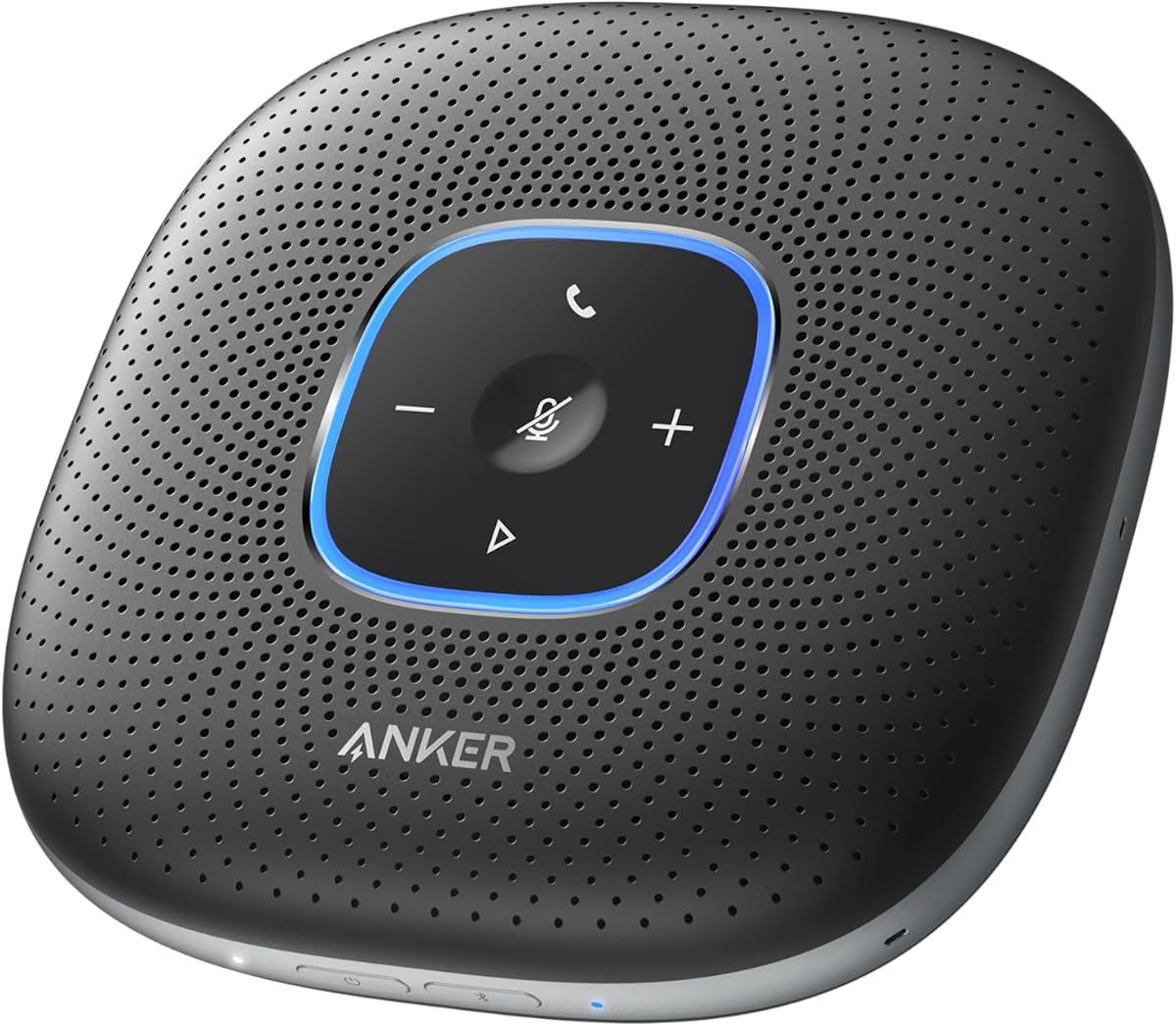


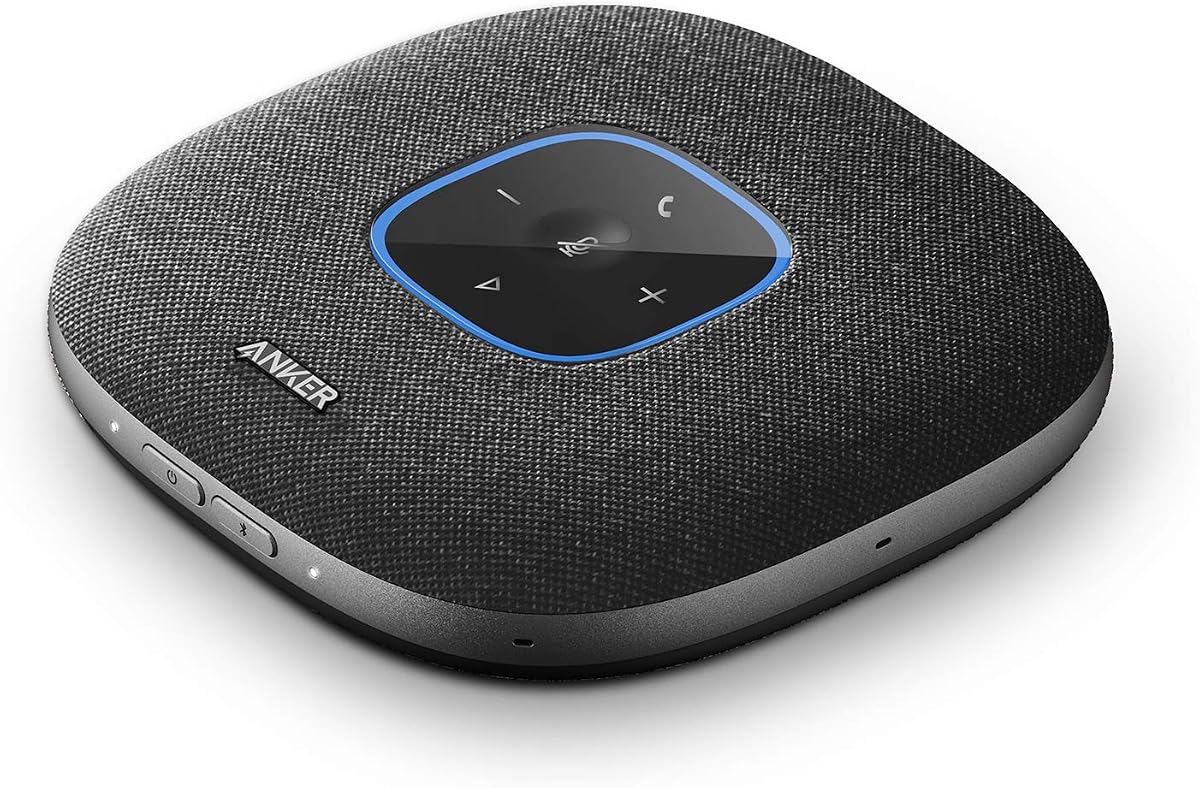
The Anker PowerConf Speakerphone is a flexible conference audio solution with a 4.4 rating and a clear focus on balanced conversation quality. Its six microphones form a 360-degree array, while Voice Radar 3.0 uses AI-based processing to reduce noise, cancel echo, and identify multiple speakers. These qualities make it a natural fit for home offices where family activity, desk equipment, or several participants can affect call clarity.
We may earn a commission when you buy through this link, at no additional cost to you.
Two connection methods offer meaningful flexibility. Bluetooth supports wireless use with a phone, while USB-C provides a driver-free wired connection to a computer. The device is Zoom certified and compatible with popular online conferencing platforms, which reduces uncertainty when moving between calls. Automatic voice balancing compensates for differences in speaking volume and distance from the unit, helping participants sound more consistent.
The 5,200mAh battery supports up to 24 hours of calls and allows the speakerphone to move beyond a fixed desk location. Integrated PowerIQ charging can also charge compatible devices. The trade-off is that its listed feature set does not quantify a room-size recommendation, so buyers should assess it against the dimensions of their workspace rather than assuming a specific capacity.
This is an excellent choice for hybrid workers who alternate between laptop and phone calls, want fewer setup steps, or need a speakerphone that can travel between rooms. It is especially attractive for anyone prioritizing broad microphone coverage and wireless flexibility over a compact wired-only design.
The six-microphone array is designed to capture participants from different directions, while voice balancing reduces the unevenness that often occurs when one caller sits farther away than another. These are meaningful improvements in shared or irregular home-office layouts.
Bluetooth keeps the desk uncluttered, while USB-C offers a straightforward computer connection without driver installation. That combination suits users who switch between a personal phone and a work laptop throughout the day.
We may earn a commission when you buy through this link, at no additional cost to you.
The Anker PowerConf S330 is a 4.4-rated USB speakerphone built for straightforward home-office calls. It uses four high-sensitivity microphones to capture voices within approximately three meters, making it suitable for a desk, compact private office, or small meeting area. Its smart voice enhancement reduces background noise while bringing forward speech for a more professional presentation.
We may earn a commission when you buy through this link, at no additional cost to you.
The wired design is the S330's defining characteristic. A USB-C connection and included standard USB adapter make it easy to connect to a compatible computer and begin a meeting without wireless pairing or complicated configuration. This stable approach can also avoid the latency or connection variability associated with crowded Bluetooth environments.
Audio playback extends beyond calls. A 1.75-inch driver and two passive bass radiators add body and depth to music as well as meeting audio. The limitation is equally clear: the listed specifications provide no Bluetooth option, so it is less suitable for users who need to move rapidly between a phone, tablet, and computer or take calls away from the desk.
Choose the S330 when your work is primarily computer-based and you value simplicity, stable connectivity, and room-filling audio. It is a practical option for a dedicated home office, particularly if a USB connection already forms the backbone of your conferencing setup and wireless mobility is not a priority.
Plug-and-play operation keeps setup short, making the S330 useful for employees who join frequent online meetings without wanting to manage a complicated array of pairing modes or device controls.
The larger driver and passive radiators give the S330 more musical depth than a basic call-only speaker. It can therefore serve as a convenient desktop audio option between meetings.
We may earn a commission when you buy through this link, at no additional cost to you.
The Anker PowerConf S3 is the most balanced pick in this guide, earning a 4.4 rating through a combination of microphone coverage, intelligent processing, and flexible connectivity. Its six-microphone array supports 360-degree pickup, allowing speakers to move around the room instead of remaining directly in front of the device. That is especially valuable in a home office where a fixed desk position may not reflect how people naturally work.
We may earn a commission when you buy through this link, at no additional cost to you.
A customized digital signal processing algorithm performs real-time voice optimization and background noise reduction. Automatic volume balancing reduces differences in loudness and distance, while Double Talk processing is designed to preserve speech when multiple people talk at once. Together, these features address the types of issues that commonly make small or improvised home meeting spaces difficult for remote participants.
Setup is straightforward through Bluetooth with a phone or USB-C with a computer, and the unit works with popular online conferencing platforms. Its 24-hour call time supports full-day use, while app control adds another layer of adjustment. The main drawback is that the product data does not state a recommended room size, and people who dislike companion-app configuration may prefer a simpler model.
The S3 is the strongest all-around recommendation for a home office that needs a mix of voice clarity, room pickup, and connection flexibility. It suits small teams, recurring online meetings, and users who regularly speak from different positions around a desk.
The broad microphone array and automatic volume balancing make the S3 less dependent on everyone sitting directly in front of it. That flexibility is particularly helpful during longer working sessions.
Noise reduction, voice optimization, and Double Talk processing work together to improve intelligibility. These features are especially relevant when several colleagues share a room with everyday household background noise.
We may earn a commission when you buy through this link, at no additional cost to you.
The Jabra Speak 510 2025 Edition stands out with a 4.7 rating, the highest among the ten products listed. It is positioned as a portable USB and Bluetooth conference speaker for users who want professional meeting audio without a permanent installation. Its straightforward setup and support for both wired and wireless connections make it adaptable to different home-office arrangements.
We may earn a commission when you buy through this link, at no additional cost to you.
The speaker can connect to a laptop, smartphone, desk phone, or softphone and works with online meeting platforms for conference calls. Its portable design allows it to move between a desk, kitchen table, or another temporary workspace. That makes it a more versatile home-office tool than a fixed conference unit, particularly for people whose work location changes during the day.
The product data does not specify a microphone count, pickup radius, or detailed battery life, so buyers who prioritize quantified room coverage may need to consult the manufacturer's current documentation. Its stated strengths are setup simplicity, clear meeting audio, and broad device compatibility rather than advanced enterprise controls.
This Jabra model is best for mobile professionals and home workers who need a compact speakerphone for occasional in-person conversations or online meetings. It is also a strong choice for users who prefer a familiar conference-audio format without a large room-specific system.
Bluetooth and USB support allow the speaker to move between phone and computer calls. The portable form factor also makes it practical for temporary meetings beyond a permanent desk.
Jabra emphasizes quick configuration, reducing the friction of adding a conference speaker immediately before a meeting. Broad platform support helps keep the device useful across different communication tools.
We may earn a commission when you buy through this link, at no additional cost to you.
The Yealink SP92 offers a broad feature set for a home office or small meeting room, with a 4.1 rating that reflects its strong practicality. Its most compelling specification is real-time AI noise cancellation, which is designed to filter more than 1,000 noise patterns, including keyboard taps and air-conditioning hum. That makes it well suited to busy desks where environmental noise can otherwise leak into calls.
We may earn a commission when you buy through this link, at no additional cost to you.
An omnidirectional microphone and 50mm speaker support clear pickup within a roughly four-meter radius, a stated target for rooms accommodating four to eight people. Full-duplex operation allows natural simultaneous conversation, while echo cancellation and Virtual Bass support clearer speech and more balanced music. Microsoft Teams certification adds confidence for enterprise users, and compatibility extends to Zoom, Google Meet, and Cisco Webex.
The rechargeable battery delivers up to 20 hours of calls or music and recharges in approximately 2.5 hours. It also offers Bluetooth 5.3, USB-C, and an optional BT51C dongle. Its 276g weight and included carrying case improve portability, although the 20-hour runtime is shorter than the 24-hour call time offered by the Anker models in this guide.
The SP92 is a compelling value-oriented choice for users who need credible noise cancellation, flexible connectivity, and a long battery in a small-room format. Its lower rating warrants attention, but the detailed specifications make it a sensible option for budget-conscious buyers who will primarily use it with Teams, Zoom, or Google Meet.
The AI noise cancellation targets familiar disruptions such as typing, ventilation, and general room activity. This can make a shared home workspace feel more controlled during online meetings.
Twenty hours of runtime, a 276g body, and an included case make the SP92 easy to carry. It remains practical for users who split their working day between a home office and another location.
We may earn a commission when you buy through this link, at no additional cost to you.
The Lenovo Speakerphone 6000 carries a 4.5 rating and emphasizes enterprise-grade audio for office meetings and hybrid work. Its eight beamforming microphones use AI-powered noise cancellation to prioritize voices and reduce distractions. A pickup range of up to five meters gives it one of the broader room-capture specifications in this guide, making it relevant to home workspaces that regularly host several in-person participants.
We may earn a commission when you buy through this link, at no additional cost to you.
Full-duplex operation and a 50mm driver support natural conversations in which people can speak and listen at the same time. The dedicated Microsoft Teams button and USB certification provide direct call control, while Bluetooth 5.3 can maintain connections to two devices simultaneously. The unit can also pair with up to eight devices in total, reducing the need to repeatedly reconnect the same phone or laptop.
Talk time of up to 12 hours covers a standard workday, though it is shorter than the batteries in the Anker, Yealink, and Jabra models highlighted here. IP54 dust and splash resistance adds useful durability for shared or mobile workspaces, and a carrying case supports travel. The specification does not provide a detailed frequency response or output measurement.
This speakerphone is best for professionals who need Microsoft Teams integration, broad pickup, and reliable multi-device connectivity. It may be especially attractive to hybrid workers whose home office also serves as a site for short team meetings involving several colleagues.
Eight beamforming microphones can direct attention toward active speakers while AI noise cancellation reduces competing background sound. The five-meter range supports use beyond a single-person desk.
Microsoft Teams certification, a dedicated Teams button, USB operation, and dual-device Bluetooth give the Lenovo model a workplace-oriented feature set. Pairing memory further reduces setup friction.
We may earn a commission when you buy through this link, at no additional cost to you.
The Jabra Speak2 55 is a refined, portable option with a 4.4 rating and several thoughtful home-office conveniences. Its four beamforming microphones collect sound from multiple directions, while voice-level normalization equalizes surrounding participants so that a speaker closer to the unit does not overwhelm someone farther away.
We may earn a commission when you buy through this link, at no additional cost to you.
Bluetooth 5.1 provides a stated range of up to 30 meters, allowing the speaker to remain connected while being used elsewhere in the room or office. USB-C and the included USB-A adapter provide a wired alternative. The 2025 edition adds a USB-C charging adaptor, and the package also includes a cable, carry pouch, and safety leaflet.
Microsoft Teams compatibility makes the Speak2 55 a sensible option for Teams-centered workflows, while its 280g weight and compact design support mobility. Its 12-hour battery is adequate for a typical work period but is shorter than the best alternatives. The four-microphone array may also be less expansive than the six- and eight-microphone models elsewhere in the list.
Choose the Speak2 55 when portability, wireless range, and straightforward setup matter most. It is well suited to a home office where calls frequently alternate between a phone and computer, and it should appeal particularly to users who value a polished, uncomplicated conference speaker from an established audio brand.
Voice-level normalization compensates for distance and speaking-volume differences. It is a useful feature when one participant sits at a desk while another moves around the room.
The stated 30-meter Bluetooth range offers room to move, while the included USB-C charging adaptor improves the readiness of this 2025 edition. USB-C provides a dependable wired alternative.
We may earn a commission when you buy through this link, at no additional cost to you.
The Jabra Speak 510 MS is a well-regarded conference speaker with a 4.6 rating and a particular emphasis on softphone and mobile-phone connectivity. It supports both Bluetooth and USB, allowing it to serve a computer running communications software, a tablet, or a smartphone. That versatility can be valuable in home offices where calls arrive through different devices and applications.
We may earn a commission when you buy through this link, at no additional cost to you.
HD Voice is included for higher-quality conversation audio, and the built-in battery provides up to 15 hours of talk time with four days of standby. The speaker's mature core feature set focuses on dependable conferencing rather than a broad collection of smart-office controls. Its compatibility with Windows Microsoft Lync and Microsoft Office Communicator may appeal to organizations still using established communication environments.
The main concern is the age of the listed platform emphasis. While Bluetooth and USB remain broadly useful, buyers using newer collaboration services should verify current system requirements rather than assuming every legacy compatibility statement applies. The product data also does not state microphone count, pickup range, or exact room capacity.
The Speak 510 MS is a strong option for softphone-centered users who value a proven speakerphone format, long talk time, and flexible device connections. It is less suited to buyers specifically seeking modern beamforming, quantified AI noise reduction, or explicit multi-person room coverage.
Bluetooth and USB connectivity lets the speaker follow different call habits. Softphone support is particularly relevant to users whose work calls originate in desktop communications software.
Fifteen hours of talk time supports full-day use, while standby extends the period between charges. The balance is practical for users who do not want to recharge after every meeting.
We may earn a commission when you buy through this link, at no additional cost to you.
The Jabra Speak 710 UC earns a 4.6 rating and is the premium-oriented choice in this guide, combining portable construction with sound intended for both calls and music. Its omnidirectional microphone supports in-room coverage for up to six participants, giving it enough pickup breadth for a home office that occasionally becomes a small meeting room.
We may earn a commission when you buy through this link, at no additional cost to you.
The supplied Link 370 USB adapter supports fast, uncomplicated setup, while Bluetooth and USB connectivity provide options for laptops, smartphones, and tablets. Jabra describes the process as requiring no IT assistance, which is a meaningful benefit in a home environment where technical support may be distant or unavailable. A protective travel pouch and 195g weight make the unit easy to move between workspaces.
The speaker also works with many meeting platforms, including GoTo Meeting, Google services, and Skype for Business. Its primary limitation is that the product data does not specify a modern Bluetooth version, so buyers focused on the newest wireless standard should verify current technical details. The included two-year warranty requires registration.
Choose the Speak 710 UC when you want a refined, portable speakerphone for music and calls, with enough coverage for a six-person conversation. It is ideal for mobile professionals, small teams, and users who value simple setup and broad device support over a large microphone specification.
The emphasis on immersive sound extends beyond speech, making the speaker useful for working music between meetings. Omnidirectional pickup supports a shared conversational setup.
At 195g and with a travel pouch, the speaker is easy to carry. The Link 370 adapter supports quick USB connections, while Bluetooth offers freedom from cables.
We may earn a commission when you buy through this link, at no additional cost to you.
The YAMAHA YVC-330 combines a 4.6 rating with sophisticated call-control features aimed at professional conference use. SoundCap far-field noise reduction filters background noise outside a three-foot range, while human voice activity detection and an omnidirectional microphone help the system favor speech over ambient sound. It is designed to support groups of five to eight people.
We may earn a commission when you buy through this link, at no additional cost to you.
Built-in self-silence is one of the more distinctive features. The microphone can mute while meeting participants are not speaking, reducing unnecessary room pickup. A 50mm speaker supports clear output, and echo cancellation helps keep voices intelligible. These controls give the device a refined feel that may appeal to users who spend considerable time in virtual meetings.
Connectivity includes USB 3.0, NFC, and Bluetooth. The six-foot USB cable is included without requiring an adapter, and compatibility extends to tools such as Zoom, Google Meet, and Skype. Illuminated buttons provide clear visual confirmation of talk and mute states. The data does not specify a battery runtime, so buyers should confirm whether their usage pattern depends on wireless portability.
The YVC-330 is best for users who value intelligent silence management, near-field noise filtering, and a refined speaker. It suits a professional home office or compact meeting room where participants can sit around the unit and benefit from automatic control of when the microphone is active.
SoundCap filters noise beyond the immediate speaking area, and voice activity detection helps isolate actual speech. The result is a system designed to remain intelligible in active rooms.
Illuminated blue and red indicators communicate talk and mute modes. This simple visual feedback helps users avoid accidental interruptions without checking software.
We may earn a commission when you buy through this link, at no additional cost to you.
The right conference speakerphone depends on room size, connection habits, call duration, and the amount of background noise. Reviewing these factors before buying helps avoid a device that is either underpowered for your space or unnecessarily complex for your routine.
Microphone quantity and pickup range provide a useful indication of how a speakerphone will perform when more than one person is speaking. The products here range from three directional microphones to eight beamforming microphones, with stated room coverage extending from compact desks to groups of five to eight people. Begin by identifying where participants will normally sit. A solo employee at a desk may be well served by a smaller array, while a converted living room or shared office benefits from 360-degree pickup and a longer range. Also consider whether people will move around during a call, since a narrow directional design may lose quieter speakers who sit to the side.
A home office can contain unpredictable interference: keyboard clicks, fans, washing machines, pets, television, and street noise. AI noise cancellation, echo cancellation, voice normalization, and automatic volume balancing can improve the sound remote participants hear. The degree of detail varies considerably, so look for processing that addresses the noises present in your space. Beamforming is especially useful in multi-person rooms, while self-silence can prevent the microphone from capturing empty-room ambient sound during a meeting.
Bluetooth offers a clean desk and allows the speaker to move between phone and computer calls, while USB generally provides a stable, low-friction connection to a laptop. The best choice often includes both. Check the connector format, included adapters, and whether your computer has a compatible port. A USB-C cable may need a USB-A adapter for older systems, whereas some products include both. Enterprise users should also confirm whether the speaker has certification or dedicated controls for their primary meeting platform.
Battery life matters if you work long shifts, hold meetings away from the desk, or travel with the speaker. Specified call runtimes in this guide range from 12 to 24 hours, and standby figures are listed for a few models. A portable speaker should also have a manageable weight and a stable base. The Jabra Speak 710 UC, for example, weighs 195.4g, while the Yealink SP92 is 276g and includes a case. Compare runtime with your actual schedule rather than focusing only on the largest number.
Full-duplex operation allows people to speak and listen at the same time, which is essential for natural group discussions. Double Talk processing is also designed to preserve speech when multiple people talk simultaneously. On the output side, driver size and bass-radiator design can improve music and speech intelligibility. Look for a clear, room-filling speaker without assuming that a large driver is always better. The Anker S330 combines a 1.75-inch driver with passive radiators, while the Yealink SP92 uses a 50mm driver.
A conference speakerphone should work with the devices and applications you already use. Several products support major services including Zoom, Google Meet, Skype, Microsoft Teams, and Cisco Webex, while the Jabra Speak 510 MS specifically highlights Microsoft Lync and Office Communicator. Certification can be useful, but it is not the only consideration. Verify operating system, softphone behavior, USB adapter requirements, and whether dedicated controls appear in the application. Legacy compatibility statements should also be checked against the software versions currently used by your organization.
Useful controls can include physical mute buttons, illuminated status indicators, host controls, app configuration, and dedicated meeting-platform buttons. These features make it easier to manage a call without hunting for controls in software. The Lenovo Speakerphone 6000 includes a Microsoft Teams button, the YAMAHA YVC-330 uses illuminated talk and mute indicators, and the Anker PowerConf S3 offers app control. More features are not automatically better, however; consider whether they support your routine or merely add another setup step.
A home office may be a shared environment, and a device used for travel must survive being packed into a laptop bag. Relevant details include weight, included carrying cases, rated resistance to dust and splashes, and the stability of the base. The Lenovo Speakerphone 6000 carries an IP54 rating and includes a case, while the Yealink SP92 and Jabra Speak 710 UC also include protective pouches. These characteristics matter more than decorative construction when a speakerphone will move between rooms or travel regularly.
Begin by placing the speakerphone near the center of the conversation, preferably in an open area rather than against a wall, monitor, or cabinet. Identify the most likely speaking position, then check that no part of the microphone array is obstructed. Connect with USB for a stable computer call or pair through Bluetooth for a phone or a more cable-free desk. Allow the operating system to recognize the device, select it as the microphone and speaker in the conferencing application, and conduct a short test before an important meeting.
Run a brief audio check in the room where calls actually happen. Ask a colleague or another device to listen for echo, clipping, and balance between nearby and distant speakers. Use the physical mute or self-silence controls when appropriate, and avoid moving the unit during an active call unless the manufacturer permits it. For the clearest results, keep windows closed when street noise is present, position fans away from the microphone area, and use headphones when background noise cannot be controlled. Update any required companion software and check that the selected microphone is the external speakerphone rather than the laptop's built-in audio.
Charge the unit according to its instructions and avoid leaving it in a hot, wet, or enclosed location for long periods. Clean the outer surface with a soft, dry or lightly damp cloth, keeping moisture away from grilles, buttons, and ports. Do not use harsh chemicals, and do not push debris into the microphone openings. Inspect cables and adapters for bent contacts, and remove the device from storage with a full charge when possible. Periodically test the battery, microphones, mute control, and both connection modes so maintenance issues do not appear during a scheduled call.
For a solo desk, a compact model with two to four microphones may be sufficient, although a broader array can provide more consistency. A small meeting room benefits from 360-degree pickup, a stated range of at least three to four meters, and processing that handles several simultaneous speakers. Consider where people naturally sit and whether background noise is likely to be an issue.
USB is usually the most stable and predictable option for a laptop, while Bluetooth is more convenient for a phone and allows the speaker to move around. Many of the best options here support both, giving you a reliable wired fallback and a cleaner wireless desk. Confirm that your computer has the required port and that any necessary USB-A adapter is included.
Most modern conference speakerphones support the major meeting platforms, but compatibility is more nuanced than simply saying that a device works with a service. Check the USB and Bluetooth connection methods, operating system support, certification, and any application-specific controls. The Anker and Yealink models specifically list broad platform compatibility, while the Jabra models emphasize Teams, Zoom, or Google Meet depending on the model.
A minimum of 12 hours can cover many standard schedules, while 15 to 24 hours offers more room for long meetings and interruptions between charges. The Jabra Speak 510 MS provides up to 15 hours of talk time, the Yealink SP92 up to 20 hours, and the Anker PowerConf models up to 24 hours. Actual runtime depends on volume, connection method, and battery condition.
Yes, if the pickup range and microphone design suit the room. Models such as the Jabra Speak 710 UC support up to six people, the YAMAHA YVC-330 is designed for five to eight, and the Yealink SP92 targets four to eight people. Omnidirectional or 360-degree arrays work best when participants sit around the unit, while directional microphones are better for a clearly defined speaking area.
Choose a model with echo cancellation, AI noise reduction, beamforming, and voice normalization, then position the speaker unobstructed near the center of the discussion. Avoid placing it directly beside a fan, laptop fan, or hard reflective surface. Adjust the system's sensitivity through the available controls or app, and use headphones when the room noise cannot be controlled.
A Bluetooth model is better when mobility and a cleaner desk are priorities, while a wired model can be preferable for stationary computer calls and predictable connectivity. The strongest choice for many home offices includes both options because the user can switch according to the meeting and device. The Anker PowerConf S330 is notably wired-focused, whereas several other products support both methods.
Certification can add confidence when an organization standardizes on a particular platform, but individual home-office users may not need it. More important are device compatibility, call-control behavior, microphone performance, and reliable connection methods. If your company manages equipment, check its approved-device list and security requirements before purchasing.
The Anker PowerConf S3 is the strongest all-around option, combining a six-microphone 360-degree array, intelligent voice processing, Bluetooth and USB-C connectivity, and up to 24 hours of call time. The Yealink SP92 offers an appealing budget-focused mix of AI noise cancellation, a four-meter radius, and 20-hour battery, while the Jabra Speak 710 UC delivers a polished premium option for portable conference sound and groups of up to six people.
Prioritize the factors that match your actual environment. Solo workers may need little more than dependable USB connection and clear voice pickup, while shared rooms benefit from broader arrays, full-duplex processing, and stronger noise control. Frequent travelers should also consider battery life, weight, included cases, and the availability of both wired and wireless connections. Certification is useful when a specific platform dominates your schedule, but current device compatibility matters even more.
Before purchasing, confirm the connector requirements, operating system, meeting applications, preferred call-control features, and room coverage. Product specifications, ratings, software support, and availability can change, so check the current listing and manufacturer information at the time of purchase. A short real-room test remains the most practical way to confirm that the selected speakerphone suits your voice, desk, and everyday background noise.