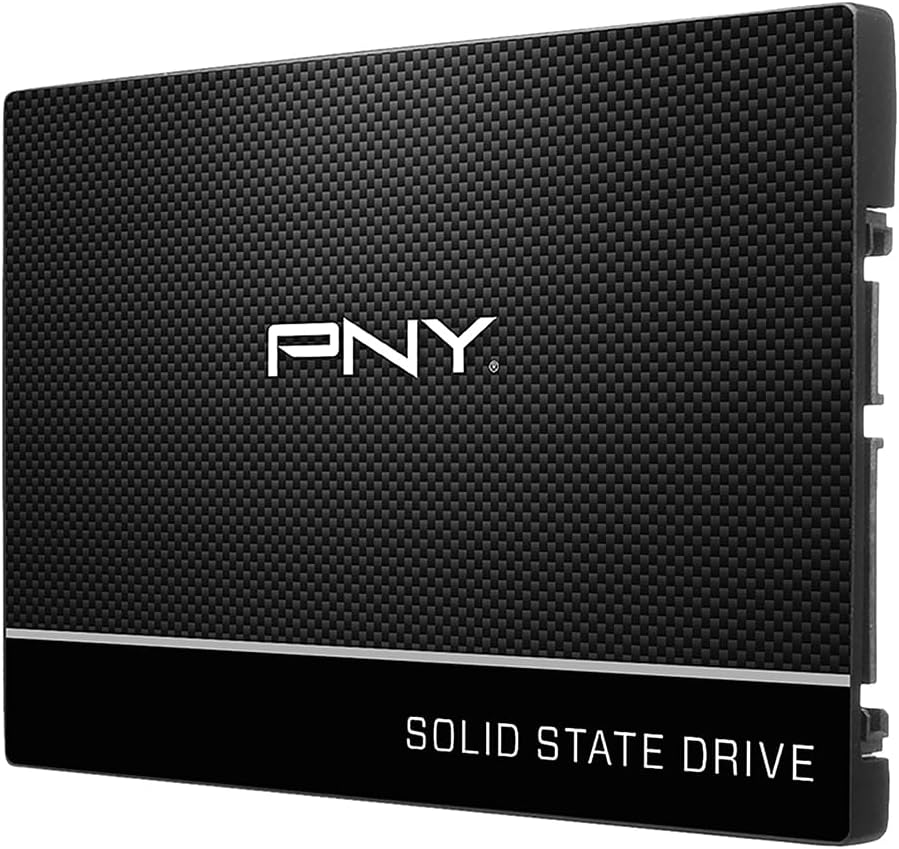
PNY CS900 250GB
4.7Editor score
Up to 535MB/s reads
Up to 500MB/s writes
SATA II backward compatibility
Replacing the aging hard drive in an older laptop with a solid state drive can restore responsiveness, shorten startup times, and make everyday tasks feel noticeably smoother. The right model must fit the laptop, connect through a compatible SATA interface, provide enough capacity, and suit the way you use the computer.
This guide compares ten replacement SSDs using the available specifications, including capacity, interface, form factor, stated read and write speeds, durability features, operating-system compatibility, warranty coverage, and design details. It includes compact drives for lighter storage needs, roomier options for demanding users, and premium choices with enhanced support.
Each selection highlights the drive that best fits a particular upgrade need, from a straightforward HDD replacement to a high-capacity SATA performance upgrade. Ratings and technical details reflect the supplied product information, while current availability and prices can change, so readers should confirm fit and purchase details before ordering.
4.7Editor score

4.8Editor score
4.8Editor score
As an Amazon Associate we earn from qualifying purchases.
The table below compares all ten laptop-compatible SATA SSDs by capacity, physical design, stated performance, compatibility, and warranty or durability details. Use it to narrow the field before checking the laptop's drive bay and storage requirements.


The PNY CS900 250GB combines a conventional 2.5-inch SATA III format with useful solid state performance and a 4.7 customer rating. It is positioned as a practical replacement for an old laptop hard drive, offering up to 535MB/s sequential reads and 500MB/s sequential writes without requiring a more complex NVMe upgrade.
We may earn a commission when you buy through this link, at no additional cost to you.
Its strongest qualities are the balance of familiar installation, broad SATA compatibility, and low power consumption. The drive can improve operating-system startup, application loading, and general responsiveness while producing no mechanical noise. Backward compatibility with SATA II at 3GB/sec also makes it a viable option for older laptops that use the slower generation of the interface.
The primary limitation is capacity. With 250GB, the drive is best suited to a laptop used for web browsing, office work, communication, and a moderate collection of applications. Users who routinely edit large media files, retain extensive game libraries, or expect a newer laptop to remain storage-constrained after the upgrade may prefer a larger option. The supplied information also does not state a TBW endurance figure.
This PNY is a strong budget recommendation for an older laptop whose main goal is faster everyday operation. It suits users who want a simple SATA replacement and can manage their storage needs. Confirm that the laptop accepts a 2.5-inch drive and that the replacement process includes transferring the existing operating system and files.
The stated sequential speeds are well above the typical transfer rates of a mechanical hard drive. That difference can make cold boots, opening applications, and moving routine files feel more responsive while also eliminating the noise and vibration produced by moving parts.
Backward compatibility with SATA II broadens the pool of compatible machines. Low power consumption is also valuable in a portable device, although the exact battery-life effect will depend on the laptop, workload, and original storage hardware.
We may earn a commission when you buy through this link, at no additional cost to you.
The SIX 1TB SATA SSD combines a high 4.8 rating with the fastest stated sequential read speed in this group at up to 560MB/s. It is designed to revive aging laptops and desktops, deliver faster boot-ups and application launches, and provide enough capacity for operating systems, applications, games, and personal files.
We may earn a commission when you buy through this link, at no additional cost to you.
The 7mm form factor is the drive's most important practical feature. It fits many modern laptops and desktops that use thin 2.5-inch SATA drives, and the product information states backward compatibility with SATA I and SATA II. TRIM, ECC, SLC cache, and intelligent temperature control add technical support for stable operation, while shock and vibration resistance suit mobile use.
A SATA III interface caps the drive's practical performance, so it will not transform a system that already uses NVMe storage. However, the comparison that matters for an old laptop is usually the move from a mechanical hard drive, and the advertised speed is well suited to that scenario. Buyers should also verify that the laptop's bay or adapter accepts a 7mm drive.
The SIX X600 is our editor's choice because it combines a 1TB capacity, a strong rating, broad compatibility, and useful reliability features. It is a particularly good fit for an old laptop that needs both extra capacity and a substantial responsiveness improvement. It also includes a three-year warranty and lifetime technical support.
A 1TB capacity gives an older laptop more room for applications and files without moving to a physically larger format. That makes the drive especially useful when the original hard drive has become too small for a modern operating system and working applications.
TRIM support, ECC, SLC caching, and temperature management work together to support stable performance. The absence of moving parts also makes the drive silent and resistant to the shock and vibration associated with portable computers.
We may earn a commission when you buy through this link, at no additional cost to you.
The Kingston A400 240GB is explicitly designed as an HDD replacement for people who want faster startup, loading, and file transfers. Its 4.8 rating places it among the most favorably reviewed products in the guide, and the standard 2.5-inch SATA III format targets the broad group of laptops that still rely on this connection.
We may earn a commission when you buy through this link, at no additional cost to you.
For a compatible older laptop, the main benefit is straightforward: replacing a mechanical drive with solid state storage can improve responsiveness while reducing noise, weight, and susceptibility to the physical movement that affects hard disks. The A400 provides useful room for an operating system and core applications without requiring users to manage a more elaborate storage configuration.
Capacity is the clear compromise. At 240GB, this is the smallest drive in the lineup, and modern applications can consume space quickly. The supplied product information does not list exact read or write speeds, so buyers should not compare it using figures that are absent from the specifications. Its stated strengths are faster startup, application loading, and transfers rather than a particular benchmark result.
Choose the Kingston A400 240GB when your priority is a simple, well-rated replacement for an aging hard drive and your storage requirements are modest. It is less suitable for large media collections, extensive game libraries, or users who want room to grow without immediately replacing the SSD again.
The drive uses the same broad 2.5-inch SATA form factor associated with many laptop hard drives. That familiar design makes it a logical target for users who want to restore responsiveness without changing to an entirely different storage technology.
Solid state storage has no moving parts, so it remains silent during use and is less exposed to damage from shock or movement. That is particularly helpful in a laptop that may be carried between locations.
We may earn a commission when you buy through this link, at no additional cost to you.
The Kingston A400 960GB takes the familiar replacement-drive concept and provides nearly a terabyte of storage. With a 4.8 rating and the same 2.5-inch SATA III interface as the smaller A400, it is a practical option for an old laptop whose hard drive has limited capacity or poor responsiveness.
We may earn a commission when you buy through this link, at no additional cost to you.
The major advantage is the balance of storage and simplicity. Users can install the operating system, retain a substantial file collection, and install multiple applications without needing a separate drive immediately after the upgrade. The stated benefits include faster startup, faster loading, faster file transfers, and greater reliability and durability than a mechanical hard drive.
This capacity may be excessive for someone who only browses the web and edits light documents, but it is valuable for students, creative professionals, and home users who want to retain existing data. As with the 240GB version, the supplied specifications do not provide exact sequential speeds, so comparisons with other products should focus on capacity, fit, reliability, and intended use.
The Kingston A400 960GB is recommended for buyers who want a single internal drive with generous room. It removes the need to choose a very small SSD and then immediately add secondary storage. Confirm the laptop's drive-bay dimensions and ensure that the operating system and personal files can be transferred to the new device.
A 960GB capacity is meaningful for users who want to keep operating-system files, applications, media, and backups together. It is especially useful when the previous hard drive was too small to handle the user's workload comfortably.
A large internal drive can reduce the need for immediate additional storage. The familiar SATA format still requires basic compatibility checks, but it avoids the more involved process of changing to a completely different interface.
We may earn a commission when you buy through this link, at no additional cost to you.
The PNY CS900 1TB pairs a generous amount of storage with stated sequential performance of up to 535MB/s reads and 515MB/s writes. Its 4.7 rating reflects generally favorable customer sentiment, while its familiar 2.5-inch SATA III form factor targets conventional laptop upgrades.
We may earn a commission when you buy through this link, at no additional cost to you.
For a machine moving from a mechanical hard drive, the important improvements are faster operating-system startup, quicker application loading, and a more responsive general experience. The 1TB capacity makes the drive more future-proof than a smaller model, providing space for a growing collection of applications and files. Low power consumption is another useful characteristic for a portable computer.
The CS900 does not lead the group in maximum read speed, and SATA II compatibility reduces the speed available on older interfaces. Its write figure is more competitive within the 2.5-inch SATA field. The supplied information also omits warranty duration and a specific endurance rating, so those details should be verified before purchase if long-term planning is important.
This model is best for users who want more than a modest system drive but do not need premium management software or the highest listed read speed. It balances capacity, performance, compatibility, and power characteristics well, making it a strong all-purpose choice for many old laptops.
A 1TB drive provides a useful balance between portability and capacity. It can hold the operating system, multiple applications, and a meaningful personal file collection while remaining in the standard form used by many SATA laptops.
The stated sequential write speed of up to 515MB/s is useful when moving sizable files or installing applications. Actual results depend on the laptop's interface, file sizes, existing data, and workload.
We may earn a commission when you buy through this link, at no additional cost to you.
The PNY CS900 500GB sits neatly between the smaller 250GB and the roomier 1TB versions. It carries a 4.7 rating and states sequential speeds of up to 550MB/s reads and 500MB/s writes, offering a useful response to the sluggishness of an older hard drive.
We may earn a commission when you buy through this link, at no additional cost to you.
The 500GB capacity works well for a laptop that needs space for its operating system, several regularly used applications, and a moderate selection of documents or media. The drive also retains the CS900's useful attributes of low power consumption and backward compatibility with SATA II at 3GB/sec, broadening its usefulness across older systems.
The main constraint is that 500GB is no longer a generous amount of space for users accumulating large videos, extensive photo archives, or many installed games. It is also possible to find faster read figures elsewhere in this guide, although the difference may be less noticeable than the improvement over a mechanical drive. Warranty and endurance details are not supplied.
The CS900 500GB is a sensible middle choice for users who want meaningful room without the footprint of a one-terabyte drive. It is a good recommendation when the laptop will be used for general productivity, web access, communication, and a moderate media library.
The middle capacity is often easier to balance than either extreme. It offers enough room for everyday applications and files without requiring the same commitment to a one-terabyte or larger upgrade.
Low power consumption makes the drive a sensible option for laptop users who want to remove the mechanical hard drive. Actual battery improvement varies by laptop and usage pattern, so it should not be the only reason to upgrade.
We may earn a commission when you buy through this link, at no additional cost to you.
The KingSpec 1TB combines 3D NAND flash with stated sequential speeds of up to 550MB/s reads and 520MB/s writes. Its 4.5 rating is the lowest among the ten products, but the specification sheet is unusually detailed, covering performance, stability, operating-system support, drive-management features, and warranty coverage.
We may earn a commission when you buy through this link, at no additional cost to you.
Its strongest selling point is the combination of capacity and technical support. Wear leveling, garbage collection, over-provisioning, native command queuing, TRIM, and S.M.A.R.T. support are all listed. The drive is also compatible with Windows 10, 8.1, 8, 7 or later, DOS, Linux, and Unix, while SATA Rev. 3.0 remains backward compatible with SATA Rev. 2.0.
The lower rating may reflect buyer experiences, component differences, or other factors not detailed in the supplied information. Its SLC cache can improve short-term responsiveness, although sustained write behavior and real-world results can vary. Buyers who need highly specific endurance information should check the manufacturer's current documentation rather than relying only on the listing.
The KingSpec 1TB is a good option for a technically confident user who wants lots of storage, broad platform support, and a three-year warranty with lifetime technical support. It is particularly attractive for laptops running Windows or Linux that need a high-capacity SATA replacement.
Wear leveling, garbage collection, over-provisioning, and TRIM support are all relevant to sustained solid state use. Native command queuing and S.M.A.R.T. support add useful capabilities for compatible systems.
Support for Windows, DOS, Linux, and Unix makes this drive relevant beyond a single laptop ecosystem. Users should still confirm that their chosen drive bay, connector, and installation method are compatible with the machine.
We may earn a commission when you buy through this link, at no additional cost to you.
The TEAMGROUP T-Force Vulcan Z 1TB is built around 3D NAND TLC flash and a dedicated SLC cache, with stated read and write speeds of up to 550MB/s and 500MB/s. Its 4.6 rating places it in the middle of the group, but the cache-focused design gives it a clear identity for responsive everyday upgrades.
We may earn a commission when you buy through this link, at no additional cost to you.
SLC caching can accelerate bursts of frequently accessed data, helping with operating-system tasks, file transfers, and application launches. The 7mm slim design is especially relevant to thin laptops, and the product is positioned as a simple plug-and-play SATA III replacement for older HDDs. It operates silently, uses no moving parts, and resists shock and vibration.
Cache-assisted performance should be understood in context. The stated figures represent maximum advertised conditions, while large or sustained writes may behave differently once the cache workload changes. The listing refers to a three-year or TBW limited warranty but does not provide a specific TBW number in the supplied details, so buyers should consult the current manufacturer terms.
Choose the Vulcan Z when you want a slim one-terabyte drive, a fast cache, and a performance-oriented upgrade for a compatible laptop. It is especially interesting to gamers, power users, and creative users who value responsiveness, although no single feature makes it essential over every other 1TB option.
The built-in SLC cache is designed to support quick access to frequently used data. That can make short interactive tasks feel responsive, particularly when moving from a hard drive that has no comparable cache behavior.
The 7mm form factor helps the drive fit compatible slim laptops and desktops. Buyers should still check their machine's bay requirements and whether a mounting spacer or adapter is needed.
We may earn a commission when you buy through this link, at no additional cost to you.
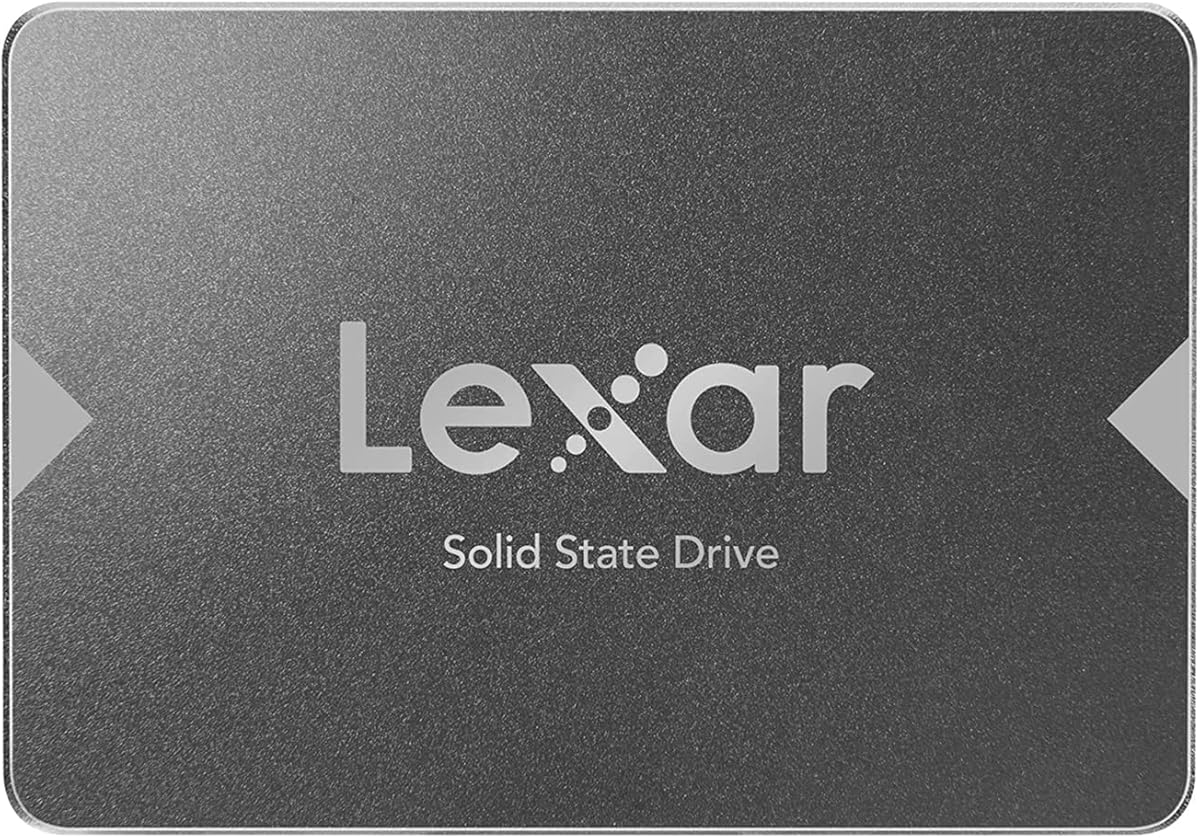
The Lexar NS100 512GB stands out for providing a specific 240TBW endurance figure alongside a 4.7 rating and a stated sequential read speed of up to 550MB/s. It is a conventional 2.5-inch SATA III internal drive intended to improve startup time, data transfer speed, and application loading in a laptop or desktop.
We may earn a commission when you buy through this link, at no additional cost to you.
A clearly stated endurance number is useful for buyers who want more than a general promise of reliability. It gives purchasers a concrete measure for comparing expected write demands, although it is not a guarantee that every user will write exactly that amount. The drive also has no moving parts, making it silent and resistant to shock and vibration.
The supplied specifications do not list a sequential write speed, warranty duration, or detailed operating-system support. Its 512GB capacity is useful for standard productivity workloads but may require additional storage for large games or extensive media archives. These omissions make it less informative than some competing listings at first glance.
The NS100 is recommended for buyers who prioritize endurance information, a balanced capacity, and strong read performance. It is a sound SATA replacement for an older laptop used for documents, browsing, communication, and general applications, provided the machine accepts a 2.5-inch drive.
The listed 240TBW rating provides a concrete indication of the drive's intended write workload. It is particularly valuable when comparing a drive whose listing does not provide any endurance figure at all.
Shock and vibration resistance make solid state storage well suited to a laptop that is transported regularly. With no moving parts, the drive also avoids the noise and mechanical wear associated with a hard disk.
We may earn a commission when you buy through this link, at no additional cost to you.
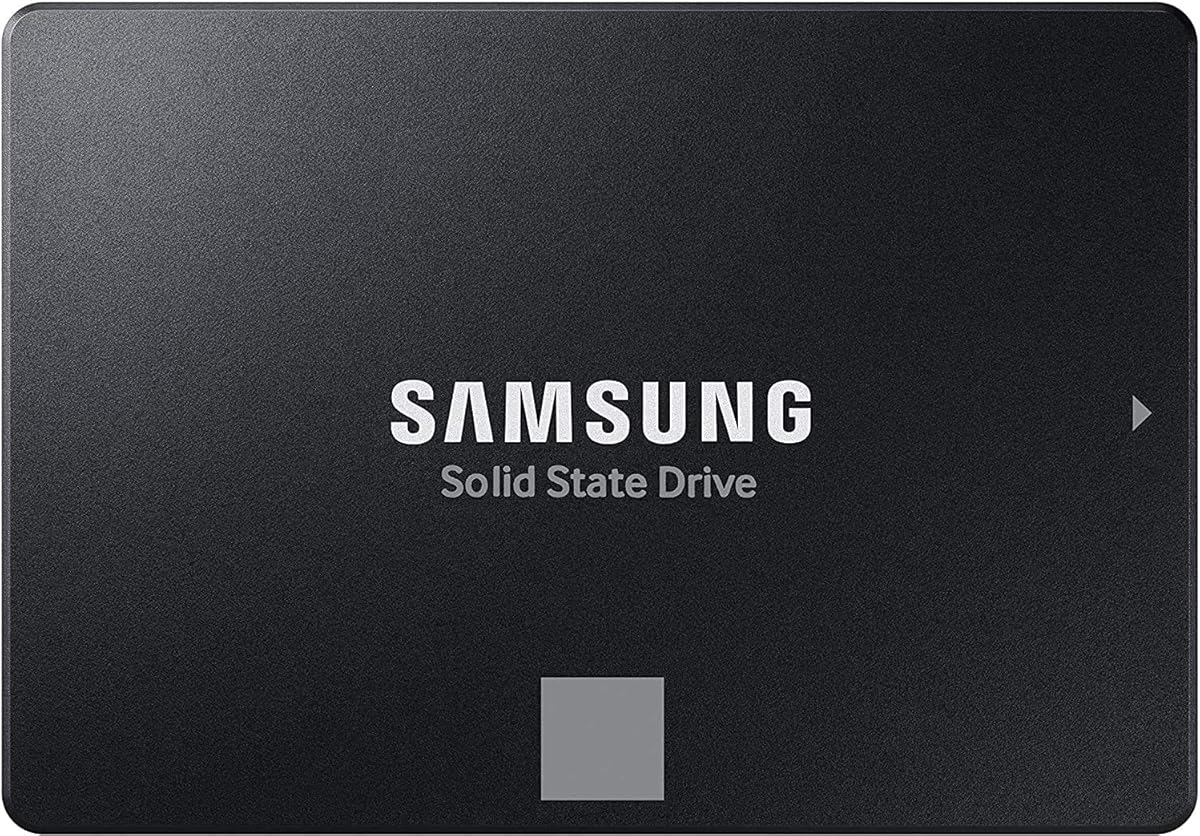
The Samsung 870 EVO 250GB combines a 4.8 rating with up to 560MB/s sequential reads and 530MB/s sequential writes. It reaches the practical ceiling of the SATA interface while adding a larger variable buffer designed to maintain high performance over time, making it the premium choice in this guide.
We may earn a commission when you buy through this link, at no additional cost to you.
The 870 EVO differentiates itself with a stated endurance of up to 600TBW under a five-year limited warranty, extensive compatibility testing, and Samsung Magician 6 management software. That software helps users update firmware, monitor drive health and status, and manage performance. Samsung also produces its firmware and components in-house, supporting tighter vertical integration.
Its 250GB capacity is the principal limitation for modern users. It works well for a lightweight productivity laptop or a secondary data drive, but an operating system and several current applications can fill a small drive quickly. Premium management features may also be more than a basic user needs, while the five-year warranty should be checked in its current official form for exact terms.
The Samsung 870 EVO is recommended for IT professionals, creators, and technically confident enthusiasts who want a refined SATA upgrade with robust management and warranty support. For an old laptop with limited storage needs, it is one of the most polished choices in the group.
Samsung Magician 6 gives compatible users a dedicated interface for monitoring health and status, checking for updates, and managing performance. This is one of the clearest reasons to favor the 870 EVO over a more basic drive.
A five-year limited warranty and up to 600TBW stated endurance provide a stronger ownership framework than most entries in the guide. The exact applicable terms should be confirmed through the manufacturer's current warranty information.
We may earn a commission when you buy through this link, at no additional cost to you.
The most important upgrade decision is compatibility, followed by capacity and sustained usefulness. A fast drive cannot improve a laptop if it does not fit, connect correctly, or offer enough room for the operating system and essential applications.
Most older laptops use a 2.5-inch SATA connection for their internal drive, but newer and thinner systems may use a different connector, a specialized enclosure, or an M.2 slot. Check the laptop's service guide, storage specifications, and the shape and connector of the existing hard drive before ordering. The drives in this guide use SATA III, and several are backward compatible with SATA II or even SATA I, but they are not designed for an NVMe M.2 slot unless the manufacturer explicitly allows that use.
A 2.5-inch drive describes the overall shape, but thickness can still determine whether it fits. Some laptop bays accept 7mm drives, while others require a thicker 9.5mm unit or a specific caddy. The SIX X600 and TEAMGROUP T-Force Vulcan Z are identified as 7mm designs, which is useful for slim systems. The standard 2.5-inch description used for the other products does not by itself guarantee that every bay will accept them.
Choose enough room for the operating system, updates, applications, and files you expect to retain. The 240GB Kingston A400 and 250GB models are better for lighter setups, while 500GB and 512GB options provide a more comfortable middle ground. The 960GB Kingston, all three 1TB models, and the premium Samsung option offer greater room. More capacity can reduce the need for immediate secondary storage, although a very large drive may be unnecessary if the laptop is used for basic tasks.
Sequential read and write figures provide a basic indication of how quickly a drive can handle large, continuous transfers. The listed maximum read speeds range from 535MB/s to 560MB/s, while several models state write speeds around 500MB/s to 530MB/s. These figures are most meaningful when comparing a solid state drive with an older hard disk. SATA bandwidth, the laptop's processor, file size, system state, and thermal behavior can all influence the experience.
Endurance indicates the total amount of data that can be written during the drive's rated life. The Lexar NS100 lists 240TBW, while the Samsung 870 EVO states up to 600TBW under a five-year limited warranty. Most other entries do not provide a TBW figure in the supplied information. For normal laptop use, all of the listed solid state drives are designed to be more resistant to movement than hard disks, but an explicit endurance rating can help buyers who write substantial amounts of data.
Some drives distinguish themselves with TRIM, ECC, wear leveling, garbage collection, S.M.A.R.T., firmware updates, and health-monitoring software. The Samsung 870 EVO offers the most clearly described management experience through Samsung Magician 6. KingSpec lists an extensive feature set, while the SIX drive includes TRIM, ECC, SLC cache, and temperature control. These extras matter most to technical users, but ordinary office and web workloads do not require every feature to deliver a faster computer.
Warranty length can provide useful protection, particularly for a drive expected to remain in a laptop for years. SIX and KingSpec list three-year coverage, while the Samsung 870 EVO includes a five-year limited warranty and the product information references professional support. The supplied data does not provide warranty terms for every model, so purchasers should review the current listing and manufacturer policy. A longer warranty is helpful, but it should complement rather than replace basic compatibility checks.
A faster drive does not automatically contain the old operating system after installation. Plan to transfer the existing system using a cloning method or create a clean installation with a bootable installation medium. Back up irreplaceable files before modifying the original drive. The Samsung listing specifically references renewed migration software, but migration tools may also be available from the operating-system provider, drive manufacturer, or another reputable source. Have a recovery method ready in case the transfer fails.
Before installation, power down the laptop fully, disconnect its charger, and consult the manufacturer's service instructions. Confirm the replacement connector, bay dimensions, and any mounting hardware requirements. If the computer uses a SATA drive in an unusual arrangement, such as a proprietary adapter or a removable module, obtain the correct hardware before beginning.
Clone the existing system or install a fresh operating system after cloning, verify that the laptop boots from the SSD, and confirm that the original drive contains a backup. Install current operating-system updates, reconnect the battery and power adapter, and check that sleep, wake, display, network, and all ports work correctly. Secure the drive according to the laptop's design, and avoid leaving a loose module in an unsupported connector.
Maintain free storage space, install firmware updates when the manufacturer provides them, and use appropriate health-monitoring or migration software. Monitor the drive for warnings and back up important files regularly. Solid state drives do not suffer from the same mechanical wear issues as hard disks, but they still have a finite write endurance, so treating the SSD as the only copy of important data is not recommended.
Most older laptops that used a mechanical hard drive accept a 2.5-inch SATA SSD. The connector and bay must be checked because thickness can vary, and some laptops require a caddy, spacer, or proprietary arrangement. All ten drives in this guide are described as 2.5-inch SATA models, but their fit in a specific laptop still depends on the machine's design.
Only if the laptop manufacturer explicitly supports that arrangement. A 2.5-inch SATA SSD cannot normally be connected directly to an M.2 slot because the physical shape and interface are different. Some thin laptops use special adapters or combine an M.2 connector with a SATA drive bay, so the service manual is the most reliable source for compatibility.
It can substantially improve responsiveness during startup, application loading, and file transfers because an SSD has no moving parts and responds much faster than a mechanical hard disk. The processor, installed memory, thermal condition, and software still affect overall speed, so an SSD upgrade may not transform every task in an old system.
It can be enough for a lightweight user who keeps the operating system, essential applications, and a modest number of files on the internal drive. Modern applications and updates can consume space quickly, so users who retain large media, games, or work files may prefer 500GB, 512GB, or 1TB and use secondary storage for less frequently accessed data.
Not necessarily. You can clone the existing drive to the SSD, and then the laptop can boot from the cloned system after the necessary configuration changes. Alternatively, you can perform a clean installation using a bootable installation medium. Either way, back up important files first and confirm that the clone or installation completed successfully.
Several models in this guide explicitly support SATA II, and SATA III drives are generally designed to negotiate with older SATA interfaces. The drive will operate at the limits of the older connection, so advertised maximum speeds will not be reached. The laptop's connector, bay, and manufacturer requirements should still be verified before installation.
First confirm that the drive is fully seated and that the battery and power are disconnected before adjusting it. Check that the bay accepts the drive's thickness and that the SATA connector is oriented correctly. Software and firmware issues may also matter, so consult the laptop manufacturer for its storage detection procedures and confirm that the SSD appears in the appropriate system utility.
A second drive can preserve the original hard disk and provide extra storage, but many older laptops have only one accessible internal bay. The most direct performance improvement comes from placing the operating system and frequently used applications on the SSD. If a second bay is available, a combination of an SSD for active files and a hard drive for archives can be highly useful.
The PNY CS900 250GB offers the most approachable small-capacity upgrade, while the SIX X600 1TB is the editor's choice for buyers who want strong read performance, a full terabyte, broad compatibility, and a three-year warranty. The Samsung 870 EVO 250GB stands apart as the premium option with Magician management, a five-year limited warranty, and a stated endurance figure of up to 600TBW.
Prioritize interface and physical fit before considering speed. Once the drive is known to suit the laptop, capacity becomes the next major decision: choose enough space for the operating system, applications, and important files without paying for storage that will never be used. Features such as TRIM, firmware management, endurance information, and warranty support can refine the decision for technical or professional buyers.
Current prices and product availability can change, so compare the live listing, warranty terms, and specifications before ordering. Check the laptop documentation carefully, back up the existing drive, and follow a reliable migration process. With the right compatibility confirmed, an SSD replacement can make an old laptop feel much more responsive without changing the device itself.