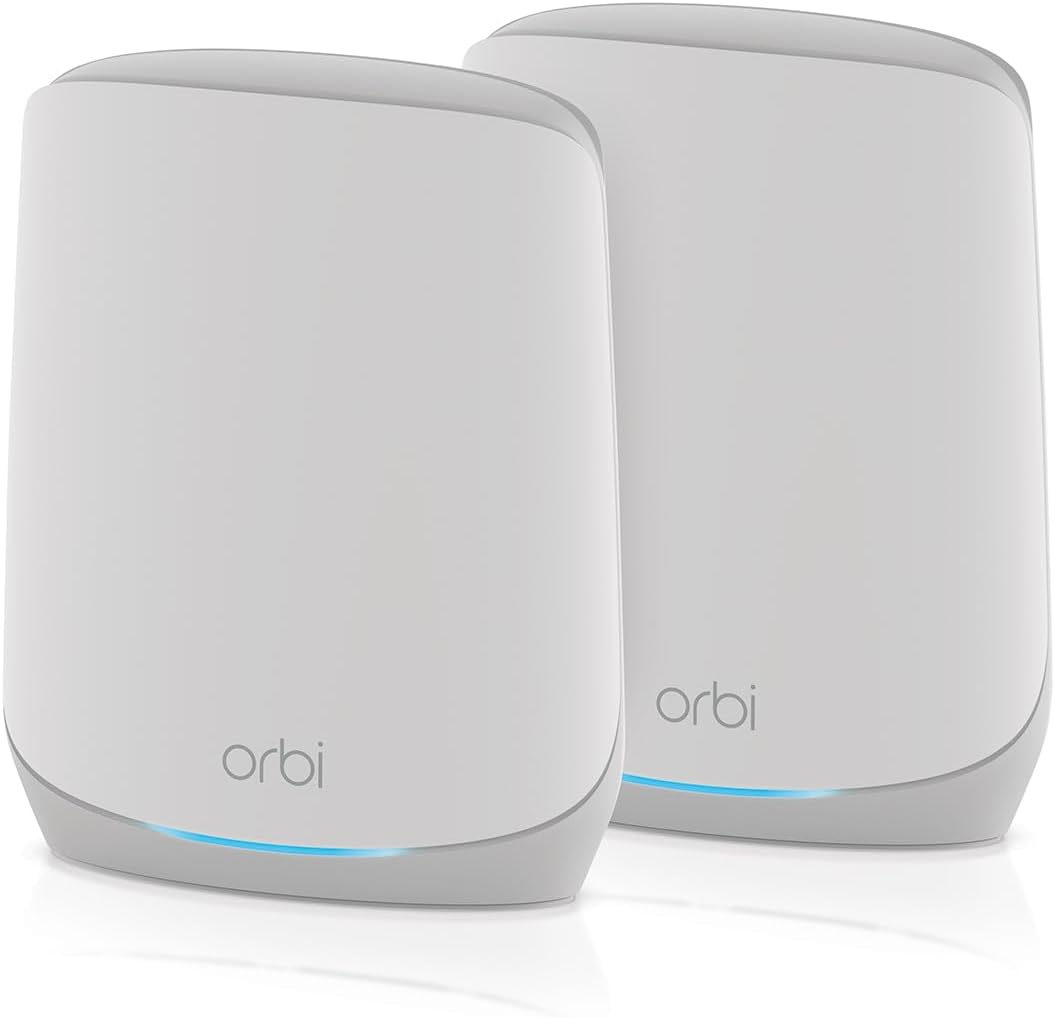
NETGEAR Orbi RBK762S
4.1Editor score
Covers up to 5,000 square feet
Router with one satellite unit
AX5400 tri-band WiFi 6
Supports internet plans to 2.5Gbps
Explore the best Netgear Orbi WiFi System options, comparing coverage, WiFi generation, ports, expansion, security, and overall value for homes.
A Netgear Orbi WiFi System can eliminate weak wireless zones, improve multi-device performance, and give a large home one manageable network. The right configuration depends on floor plan, device count, internet speed, wired connections, and whether you need WiFi 6 or WiFi 7 capabilities.
This guide compares ten systems and expansion options using their stated specifications, ratings, coverage claims, Ethernet support, wireless generation, security features, and expansion paths. It also includes two TP-Link Deco systems as alternative mesh choices for shoppers who value different hardware and networking approaches.
Each review explains the most suitable use for the product, along with its clearest advantages and trade-offs. Ratings reflect the supplied customer feedback, while advertised speeds and coverage remain dependent on placement, walls, internet plans, and connected devices. Prices and promotions can change at any time.
4.1Editor score
4.2Editor score

3.7Editor score
The comparison below places the two Orbi 970 Series configurations, several WiFi 6 Orbi bundles, a cable-modem combination, expansion satellites, and two alternative Deco systems side by side. The goal is to make differences in coverage, wireless generation, ports, and expansion options easy to understand.



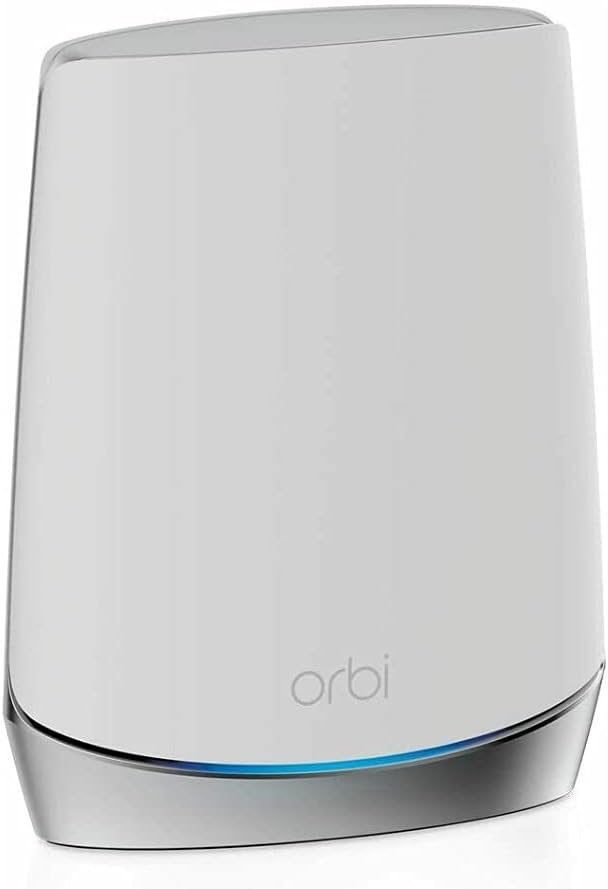

The NETGEAR Orbi 970 Series Add-on Satellite is an expansion unit for people who already own an Orbi 970 Series mesh system. Its 3.3 customer rating is not among the strongest in this comparison, but the product addresses a specific need: extending a compatible WiFi 7 network across more of a home. Each unit adds up to 3,300 square feet of stated coverage and operates under the same network identity as the rest of the system.
We may earn a commission when you buy through this link, at no additional cost to you.
Its principal strength is the dedicated backhaul design. The quad-band architecture reserves an Enhanced Dedicated Backhaul lane for communication between the router and satellites, reducing the conflict that can occur when the same radio bands carry client traffic and mesh traffic simultaneously. The system advertises speeds up to 27 Gbps and compatibility with WiFi 6, WiFi 5, and older wireless devices.
The important limitation is compatibility. This satellite is designed for the RBE971, RBE972, and RBE973 970 Series systems rather than as a universal Orbi extender. It therefore adds little value to a household starting from scratch or operating an older Orbi generation. Buyers should also remember that advertised 27 Gbps performance is a laboratory ceiling; walls, interference, device limitations, and internet-plan speeds determine what users actually experience.
This is a sensible choice for a 970 Series owner whose signal remains weak in a bedroom, office, garage, basement, or backyard. It is not a suitable first purchase or a way to connect an RBK852 or RBK853 network. Purchase it only after confirming that the existing router and satellites are from the supported 970 Series family.
The dedicated backhaul is particularly relevant when several household members stream, game, join calls, or use connected appliances at once. Separating satellite traffic from regular client traffic can preserve usable performance in larger or more demanding homes, provided the nodes are positioned with a strong signal between them.
A single network name makes roaming comparatively simple. Connected devices can move among the router and satellites while remaining associated with the same Orbi mesh, which avoids the management complexity of running a separate access point alongside a primary router.
We may earn a commission when you buy through this link, at no additional cost to you.
The NETGEAR Orbi 970 Series Quad-Band WiFi 7 Mesh Network System RBE973S is the most expansive premium configuration in this guide. It combines one router and two satellite extenders, supports up to 200 devices, and is advertised to cover 10,000 square feet. Its 3.7 rating reflects solid but not exceptional customer feedback, making the specification sheet and intended installation scale especially important when judging it.
We may earn a commission when you buy through this link, at no additional cost to you.
WiFi 7 is the centerpiece of this system. It advertises aggregate speeds up to 27 Gbps and remains backward compatible with older wireless devices. More significant for mesh performance is its patented quad-band design with Enhanced Dedicated Backhaul. This gives the satellites a dedicated communication path rather than forcing all inter-node traffic through shared client-facing bands.
A 10 Gig internet port prepares the system for faster broadband plans, while automatic firmware updates and built-in security measures help maintain protection after installation. The tradeoff is that the RBE973S offers more capability than many households can use. Smaller homes may receive no practical benefit from three high-end nodes, and its 3.7 customer rating is lower than the ratings of several WiFi 6 Orbi systems and the two Deco alternatives in the comparison.
The RBE973S is best for a large, device-dense home using a high-speed internet connection, particularly when strong backhaul, multi-gig access, and broad coverage matter more than cost. It may also appeal to owners seeking a long technology runway, but they should compare their actual internet speed and floor plan with the simpler RBK762S or RBK853 before purchasing.
The stated 10,000-square-foot capacity and support for 200 devices make this configuration suitable for properties where one router often cannot provide dependable service throughout. Actual results still depend heavily on the number of floors, construction materials, and whether the router connects to the satellites over clean line of sight.
Enhanced Dedicated Backhaul is especially useful in a busy mesh. The dedicated lane can carry communication between nodes while other bands focus on client devices, supporting the system's simultaneous use cases of 8K entertainment, conferencing, gaming, and virtual reality.
We may earn a commission when you buy through this link, at no additional cost to you.
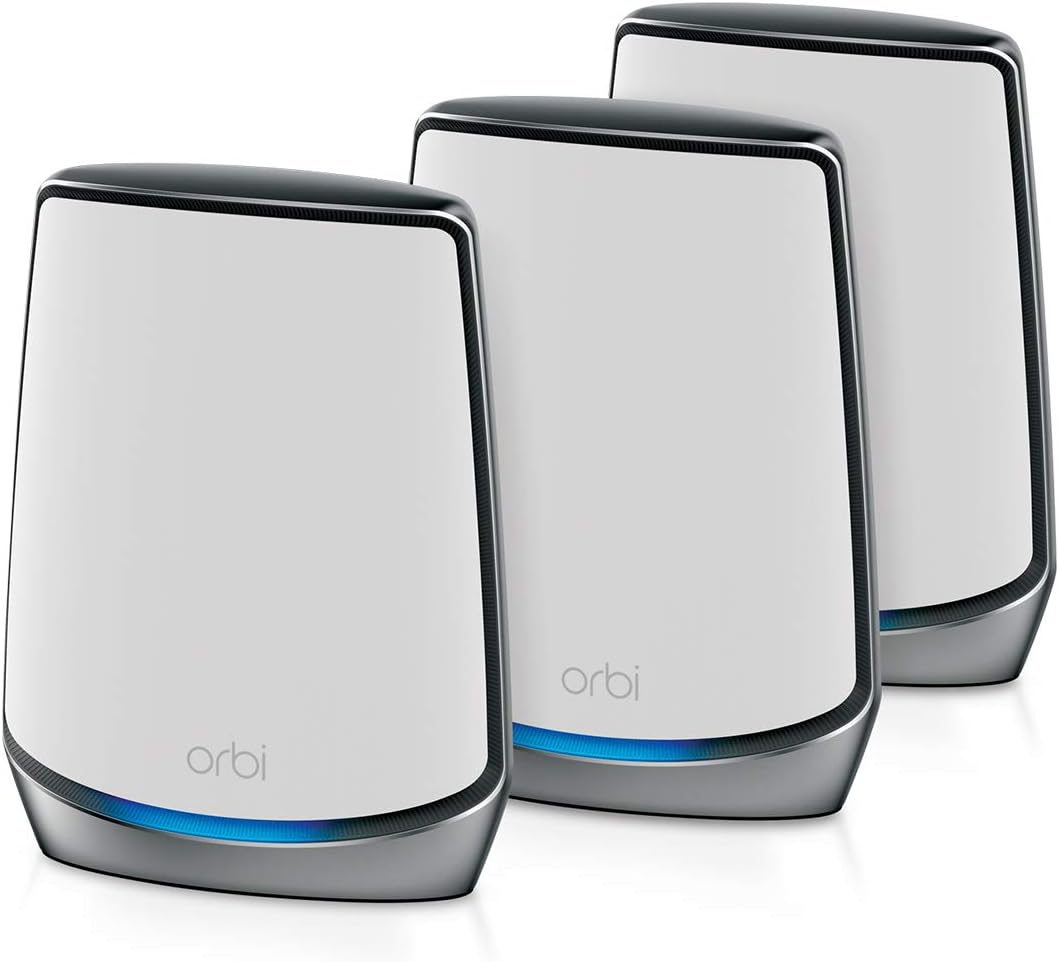
The NETGEAR Orbi RBK852 is a tri-band WiFi 6 mesh system rated 4.3 by customers, making it one of the strongest-rated products in this guide. The package includes a router and one satellite, covers up to 5,000 square feet, and supports as many as 100 devices. Its AX6000 designation represents a balanced approach to speed, coverage, and expansion.
We may earn a commission when you buy through this link, at no additional cost to you.
The system is compatible with internet services up to 2.5 Gbps, including cable, satellite, fiber, and DSL. Each router and satellite has four Gigabit Ethernet ports, allowing computers, game consoles, streaming players, and storage devices to use stable wired connections. Setup and management take place through the Orbi app, while NETGEAR Armor adds security tools and a 30-day trial.
A key limitation concerns expansion. Although the RBK852 itself can be extended with additional Orbi WiFi 6 satellites, the supplied RBS750 is specifically compatible with the RBK752 and is not the correct extender for this model. Shoppers should check exact model compatibility before assuming any satellite can be added. The system's WiFi 6 generation also does not offer the 970 Series' WiFi 7 features.
This is an excellent fit for a medium or large home that wants proven tri-band mesh performance and a strong customer rating without moving to premium WiFi 7 hardware. It is particularly useful when a 2.5 Gbps internet plan and multiple wired endpoints are priorities. The RBE972S makes more sense for buyers committed to WiFi 7 and future-facing equipment.
Having four Gigabit Ethernet ports on both the router and satellite makes it easier to connect stationary devices without relying on WiFi. Home-office computers, game consoles, streaming boxes, and network storage can be placed where their cable runs are most convenient while still receiving strong coverage from the mesh.
The Orbi app provides a centralized way to configure and monitor the network. This is useful for checking connected clients, adjusting wireless settings, and managing expansion units without navigating a complicated technical interface for routine changes.
We may earn a commission when you buy through this link, at no additional cost to you.
The NETGEAR Orbi RBK762S stands out as a value-focused WiFi 6 mesh system with a 4.1 customer rating. It includes a router and one satellite extender, covers up to 5,000 square feet, and supports up to 75 devices. Its AX5400 tri-band platform is aimed at households that need broad coverage and solid throughput without requiring the newest wireless standard.
We may earn a commission when you buy through this link, at no additional cost to you.
Its dedicated band supports backhaul between the router and satellite, helping separate mesh communication from devices using the other bands. The system works with internet providers offering speeds up to 2.5 Gbps, including cable, fiber, satellite, and DSL. Three Gigabit Ethernet ports appear on the router and two on the satellite, while NETGEAR Armor includes a one-year subscription.
The RBK762S does not offer as much physical connectivity as the RBK852, and its stated 75-device capacity is lower than that system's 100 devices. Expansion requires an Orbi 760 satellite rather than an arbitrary Orbi model. Despite those restrictions, it delivers the central functions most buyers need: a router, a mesh extender, dedicated backhaul, app management, and modern WiFi 6.
This is the most sensible budget-oriented complete Orbi system for a medium home with many connected devices. It is particularly attractive when a single access point leaves weak zones, because the included satellite can be placed farther into the property. Buyers planning extensive wired connections should examine the RBK852, while WiFi 7 enthusiasts should consider the 970 Series.
A tri-band layout gives the RBK762S a path for mesh communication while client devices use the remaining wireless capacity. It is a meaningful improvement over a dual-band setup when multiple people are online, although real throughput still depends on node placement and the capabilities of the client devices.
The system can expand with a push-button setup when an Orbi 760 satellite is added. Buyers should treat the included two-piece configuration as the starting point and purchase the correct satellite in advance if their floor plan clearly requires a third node.
We may earn a commission when you buy through this link, at no additional cost to you.
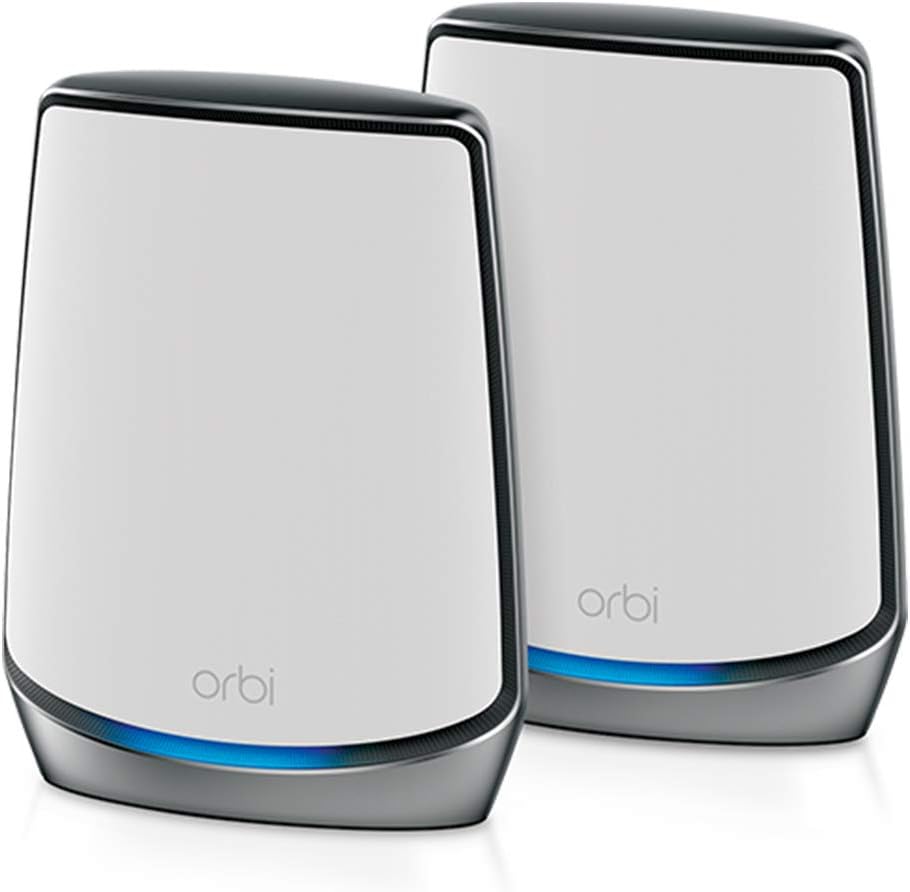
The NETGEAR Orbi 970 Series RBE972S is a two-piece WiFi 7 mesh system combining a router and one satellite. It advertises speeds up to 27 Gbps, coverage of 6,600 square feet, and support for 200 devices. Its 3.3 customer rating is the lowest among the complete multi-unit systems listed, so prospective buyers should evaluate the specifications and installation requirements carefully.
We may earn a commission when you buy through this link, at no additional cost to you.
The system's quad-band design and Enhanced Dedicated Backhaul are its primary technical advantages. That structure allows a dedicated lane for traffic between nodes, which is valuable when several high-bandwidth activities occur simultaneously. A 10 Gig internet port also offers more headroom for fast broadband than the 2.5 Gbps-oriented Orbi WiFi 6 bundles.
Despite the large device count, one satellite may not deliver consistent service throughout every floor of a large home. Coverage claims are also idealized, and walls, construction materials, interference, and the distance between the router and satellite can reduce real performance. Automatic firmware updates and built-in security measures support long-term administration, although security is not the sole reason to choose this model.
The RBE972S is a sensible premium option for a medium-to-large home that wants WiFi 7 and a 10 Gig connection without starting with a three-piece mesh. It is less compelling for a smaller home or one with a modest internet plan. Shoppers should compare it with the RBK762S and RBK853 when practical performance, expansion cost, and customer feedback matter more than the newest standard.
For a home spanning several moderate-sized zones, one well-placed satellite can be enough to remove major dead spots. The 6,600-square-foot stated coverage is positioned between the RBK762S and the larger RBE973S, making this bundle a middle ground within the 970 Series range.
The 10 Gig internet port is meaningful for owners with a very fast connection. It does not force client devices to operate at 10 Gbps, but it prevents the primary network interface from becoming an obvious early bottleneck for a high-capacity broadband service.
We may earn a commission when you buy through this link, at no additional cost to you.
The TP-Link Deco 7 Pro is a tri-band WiFi 7 mesh system included as an alternative to the Orbi options. Its 4.2 customer rating exceeds the ratings of all three Orbi 970 Series products in this comparison. The three-pack covers up to 7,600 square feet, supports more than 200 devices, and offers a combined stated speed of 10,086 Mbps across its three bands.
We may earn a commission when you buy through this link, at no additional cost to you.
Its networking interface is flexible. Four 2.5G WAN or LAN ports allow the units to connect to different parts of a home, while a USB 3.0 port adds a convenient connection for storage or other compatible accessories. Tri-band WiFi 7 and wired backhaul work together to balance traffic between Deco nodes, and the product supports simultaneous VPN and standard internet connections.
The central compromise is ecosystem compatibility. Deco units form a mesh with other Deco products, not with Orbi hardware, so buyers should not treat this as an expansion for an existing Orbi installation. It also requires a separate modem for most internet services. Its advertised total bandwidth is lower than the 27 Gbps figure used for the Orbi 970 Series, although comparing aggregate laboratory ratings across different product designs should be done cautiously.
This system suits a shopper who wants modern WiFi 7, strong customer feedback, 2.5G wired flexibility, and whole-home coverage without committing to Orbi. It is particularly useful when every mesh node should have multiple fast Ethernet ports. If the priority is Orbi app integration, future expansion with the 970 Series, or a larger stated device capacity, the RBE973S is the more relevant choice.
Giving every Deco unit four 2.5G ports creates more placement flexibility than a kit with only one or two wired ports on each satellite. Homeowners can place a node in a home office, entertainment area, or workshop and still connect several wired peripherals without adding a separate switch.
The Deco system provides network protection, parental controls, IoT security, and support for remote VPN access. These functions can be useful for households that want centralized control without installing VPN software on every individual device.
We may earn a commission when you buy through this link, at no additional cost to you.
The NETGEAR Orbi RBK853 includes a router and two satellite extenders, covering up to 7,500 square feet and supporting as many as 100 devices. It operates as AX6000 tri-band WiFi 6 and carries a 4.2 customer rating. For a large home that does not need WiFi 7, the three-unit arrangement offers an effective balance of coverage and hardware capability.
We may earn a commission when you buy through this link, at no additional cost to you.
Each node includes four Gigabit Ethernet ports, creating multiple options for stationary devices throughout the home. The system supports internet service up to 2.5 Gbps and works with cable, satellite, fiber, and DSL connections. NETGEAR Armor provides enhanced security tools with a 30-day trial, while the Orbi app centralizes setup and management.
The system depends on good communication between its router and satellites. In a sprawling home with thick walls, multiple floors, or long distances between nodes, coverage may be less consistent than the headline figure suggests. The two satellites also need electrical outlets and thoughtful placement rather than being scattered randomly throughout the property. As a WiFi 6 platform, it lacks the newer capabilities of the 970 Series.
The RBK853 is a compelling choice for large homes with multiple floors, numerous connected devices, and a need for wired connectivity at more than one remote location. It is also a sensible pick for users who value Orbi's established product line and strong customer feedback. Choose the RBE973S instead when WiFi 7, 10 Gigabit internet access, and premium multi-gig performance justify a newer platform.
The additional satellite can reach a second floor, detached office, garage, or rear living area that lies beyond the router's practical reach. Placing each node near the area it serves generally produces a more useful network than installing a large number of satellites in a tight cluster.
The stated support for 100 devices and AX6000 wireless class make the RBK853 suitable for busy homes that mix entertainment, work, smart-home equipment, and online gaming. A fast internet plan and capable client devices are still needed to realize the system's full potential.
We may earn a commission when you buy through this link, at no additional cost to you.
The NETGEAR Orbi CBK752 combines a DOCSIS 3.1 cable modem, router, and mesh satellite in one package. It is designed for homes using compatible cable internet, with stated coverage of 5,000 square feet and support for 40 or more devices. Its 4.0 rating and AX4200 specification make it a practical unified option for households that want fewer boxes.
We may earn a commission when you buy through this link, at no additional cost to you.
The modem-router offers four Gigabit Ethernet LAN ports, and the satellite adds two, allowing computers, consoles, streaming devices, and storage to connect by cable. Tri-band WiFi 6 advertises speeds up to 4.2 Gbps, including a full band dedicated to the mesh connection. The Orbi app assists with setup, while WiFi encryption, automatic firmware updates, and a guest network support basic security.
Its biggest constraint is the service type. It is not compatible with fiber, DSL, or satellite internet, and it must be activated with a cable provider. It is certified for Xfinity service up to 900 Mbps, Spectrum up to 1 Gbps, and Cox up to 1 Gbps. Customers outside those areas or with a different provider should choose a standard router-based Orbi bundle instead.
The CBK752 is a strong recommendation for qualifying cable subscribers who want to replace separate modem and router equipment with an integrated mesh solution. It reduces desktop clutter and centralizes control. However, the lack of a 10 Gig internet port makes it less future-facing than the 970 Series, and provider approval remains an essential part of the purchasing process.
For a compatible cable installation, combining the modem, primary router, and first satellite can simplify both setup and physical placement. The approach is especially useful in a home office or media area where reducing separate equipment improves organization.
The router and satellite together provide six Gigabit Ethernet ports. A streaming box, game console, desktop computer, and network storage device can therefore remain on stable wired connections while phones, tablets, and laptops use the mesh network.
We may earn a commission when you buy through this link, at no additional cost to you.
The NETGEAR Orbi RBS750 is a tri-band WiFi 6 satellite for extending an RBK752 Orbi system. Its 4.4 customer rating is the highest among all ten products in this guide. It adds up to 2,500 square feet of stated coverage and advertises aggregate speeds up to 4.2 Gbps, making it a focused solution for homes that need one additional coverage zone.
We may earn a commission when you buy through this link, at no additional cost to you.
The satellite includes a dedicated band for mesh communication and supports roaming under one network name. It works with the Orbi app, so an existing RBK752 owner can add coverage without managing a completely separate access point. That simplicity is valuable for rooms, floors, or outdoor areas where the original router signal is weak.
Compatibility is the central limitation. The product data specifically identifies the RBK752 as the compatible system, so buyers should not assume it will pair with the RBK853, RBK762S, or 970 Series. The RBS750 also cannot operate independently as a router. It is a mesh component, so it must communicate with a supported Orbi router and its placement determines whether the added coverage is useful.
This satellite is an excellent choice for RBK752 owners who have identified a reliable dead zone and want a targeted remedy. It is not the right product for a household starting from scratch, since a complete RBK852 or RBK762S bundle will be simpler and more broadly appropriate. Verify the exact system model before ordering to avoid an incompatible expansion.
Adding a satellite near a problematic room can be more effective than repeatedly repositioning the main router. The best location is generally near the edge of the existing usable network, where the satellite can receive a strong backhaul signal and extend service into the weak area.
Because the RBS750 joins the Orbi mesh, compatible devices can move between the router and satellite under a single network name. This removes much of the inconvenience associated with switching between a home router and a separate extender network.
We may earn a commission when you buy through this link, at no additional cost to you.
The TP-Link Deco 7 Dual-Band BE5000 is a WiFi 7 mesh system with a 4.3 customer rating. It provides up to 5,012 Mbps across the 5 GHz and 2.4 GHz bands, covers up to 6,600 square feet, and supports more than 150 devices. It is included here as a non-Orbi alternative for shoppers who prefer a simpler dual-band design with modern wireless capabilities.
We may earn a commission when you buy through this link, at no additional cost to you.
The system supports wired and wireless backhaul, allowing traffic to move between Deco units over 2.5G Ethernet where appropriate. A single network name and AI-driven roaming simplify movement through the home. The Deco app handles initial configuration, management, and firmware updates, while TP-Link HomeShield adds network protection, parental controls, and IoT device identification.
As a dual-band system, it has fewer independent radio paths than the Deco 7 Pro or Orbi 970 Series. The system can benefit from wired backhaul in a larger installation, and it requires a separate modem for most internet providers. It also forms a mesh with Deco rather than Orbi devices, making it a distinct ecosystem instead of an expansion option for an existing Orbi installation.
The BE5000 is well suited to a modern home that wants WiFi 7, strong customer feedback, and support for a large collection of connected devices without moving to a tri-band or quad-band premium system. It works particularly well when nodes can be connected with 2.5G Ethernet. Orbi buyers who prioritize backward-compatible Orbi expansion should choose the RBK762S or RBK853 instead.
A dual-band architecture can be easier to deploy and less demanding on power and physical space. For many homes, the additional complexity of a third or fourth band brings little practical benefit when the internet connection and client devices cannot exploit the extra capacity.
Connecting Deco units through 2.5G Ethernet can create a more stable path between nodes, especially across floors or through thick construction. This approach reduces reliance on shared wireless communication and helps preserve performance for connected clients.
We may earn a commission when you buy through this link, at no additional cost to you.
Choosing an Orbi or comparable mesh system begins with mapping the property, identifying weak areas, and matching the hardware to the available internet service. The most advanced specification only produces a better network when placement, wired backhaul, client capabilities, and realistic coverage requirements are taken into account.
Choose enough nodes to place one in each genuinely separate coverage zone. More equipment does not automatically produce better results if satellites are crowded together or connected to the router through weak signals.
Match the wireless standard to your actual equipment. Buy WiFi 7 for future readiness and high-end devices, or choose WiFi 6 for proven, broadly compatible performance.
Prioritize dedicated or wired backhaul for busy homes. It is one of the most important mesh features for maintaining performance under concurrent load.
Choose a kit with enough ports for wired essentials, or plan to add a network switch. For future-facing installations, 2.5G or 10G interfaces offer useful headroom.
Verify provider, modem, and maximum plan speed before ordering. Choose a standalone router for most services or the CBK752 only for qualifying cable installations.
Use only satellites approved for the exact Orbi generation you own. Checking model numbers before purchase prevents compatibility and installation problems.
Look beyond the headline specification to find automatic updates, parental controls, guest networking, and IoT protection. Enable the available protections immediately after setup.
Optimize placement before adding more nodes. Good backhaul between well-separated units often matters more than the number of satellites included.
Begin by placing the Orbi router near the active internet connection, connecting it to the appropriate modem or provider equipment, and powering it on before adding a satellite. Allow the router to establish a working connection before placing the satellite. If the system includes a cable modem router, connect the coax line first and complete provider activation before expecting full internet access.
Use the Orbi or Deco app to create the administrative network, choose a strong WiFi name and password, and configure the satellite in the appropriate mesh location. Keep each satellite within effective communication range of the router or another node. Update the firmware, review connected devices, enable automatic updates, and create a separate guest network when visitors or less-trusted devices need internet access.
For maintenance, periodically check the app for firmware updates, review connected clients, and revisit placement if performance changes after furniture moves or new electronics are installed. Keep the units uncovered, ventilated, and away from heat, direct sunlight, and moisture. Do not place the router and satellites in a tightly enclosed cabinet. If a node repeatedly loses its connection, power-cycle the system and verify that the outlet and cabling remain secure.
The RBE973S has the largest stated coverage area in this guide, covering up to 10,000 square feet with a router and two satellites. The RBK853 is a lower-cost WiFi 6 alternative for large homes, while the RBE972S offers a smaller premium configuration. Actual performance depends on the building, node placement, and backhaul quality.
WiFi 7 is most worthwhile for buyers with compatible devices, a fast internet connection, and plans to keep the system for several years. It can offer greater capacity and newer radio features. A properly positioned WiFi 6 Orbi system can still provide excellent service for everyday streaming, work, gaming, and browsing.
You should not assume that every Orbi satellite works with every Orbi router. The RBS750 is specified for the RBK752, the RBK762S uses the Orbi 760 satellite, and the 970 Series satellite supports the RBE971, RBE972, and RBE973 systems. Always verify the exact model numbers before adding equipment.
The correct number depends on the size and construction of your home rather than a universal square-foot figure. One satellite may solve a single weak room, while several floors, a basement, garage, or detached office may require additional units. Place each satellite in a separate zone and ensure it has a strong connection to the mesh.
No. The CBK752 is a DOCSIS 3.1 cable modem router and requires compatible cable internet service. It is listed as certified with Xfinity up to 900 Mbps, Spectrum up to 1 Gbps, and Cox up to 1 Gbps. It is not compatible with fiber, DSL, or satellite service, and the cable provider must authorize activation.
Wired backhaul is generally more reliable because communication between mesh nodes travels over Ethernet rather than competing for wireless airtime. It is particularly useful in large homes with thick walls or multiple floors. If running Ethernet is difficult, a properly positioned dedicated-backhaul wireless mesh can still provide strong results.
Orbi and Deco are separate mesh ecosystems. Orbi units expand compatible Orbi systems, while Deco units form a mesh with other Deco products. A Deco system can be backward compatible with older WiFi generations, but that does not mean it can join an Orbi mesh as a satellite.
No. Advertised wireless speed is an aggregate laboratory figure, while actual results depend on the internet plan, client devices, interference, distance, and obstacles. Mesh design can improve coverage and multi-device performance, but it cannot deliver more internet speed than the service provides or overcome weak client hardware.
The best general-purpose selection in this guide is the NETGEAR Orbi RBK852 because it combines a 4.3 customer rating, tri-band WiFi 6, a 2.5 Gbps-compatible internet interface, and ample wired ports. The RBK762S is the value-focused alternative, while the RBE973S represents the premium WiFi 7 route for large homes with high bandwidth needs.
Prioritize the size and shape of your property, the location of weak zones, the number of wired devices, and the age of your client equipment. A complete mesh bundle is usually easier to deploy than separate components, and dedicated backhaul matters in busy homes. The RBS750 and Orbi 970 satellite are best treated as targeted expansions for compatible systems rather than general-purpose starting points.
Finally, compare the current specifications, customer feedback, provider requirements, and promotion details before purchasing. Product pricing and availability can change, but the right mesh system should remain selected for realistic coverage, correct compatibility, and a placement plan that supports reliable backhaul.