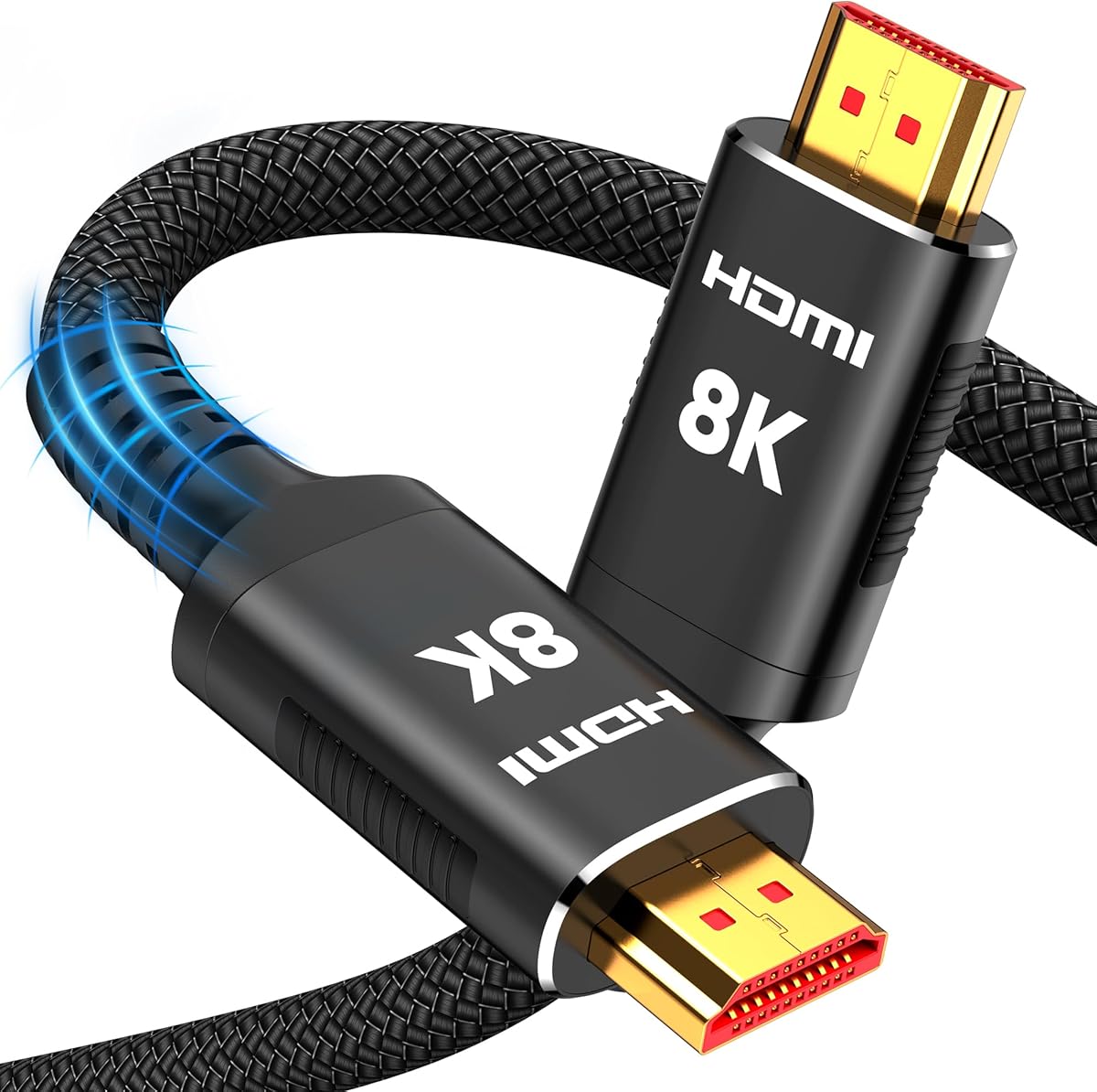
Snowkids 8K Long HDMI 2.1 Cable 25 ft, 8K@60Hz 4K@120Hz UHD Non-Slip Cord
4.6Editor score
Long 25-foot projector run
Full 48Gbps bandwidth
Gaming feature support
Flexible reinforced connector design
Broad device compatibility
Discover the best HDMI cords for projectors, comparing length, bandwidth, resolution, gaming features, durability, and projector compatibility.
An HDMI cord forms the essential link between a projector and its video source, so choosing the wrong cable can limit image quality, introduce interference, or make a clean installation difficult. A worthwhile projector cable should match the projector, source device, room layout, and intended use rather than simply offering the largest advertised specification.
This guide compares ten HDMI cords ranging from compact 6.6-foot options to 25-foot runs. We evaluated their stated bandwidth, supported resolutions, refresh rates, audio capabilities, gaming features, shielding, connector construction, in-wall suitability, and compatibility with projectors, televisions, computers, consoles, and other HDMI-enabled equipment.
Each review explains where a cable is strongest, which setups suit it, and where its specifications may be more than a particular projector needs. Ratings reflect the supplied customer feedback, while prices and promotions change over time, so readers should confirm current availability and specifications before ordering.
4.6Editor score

4.7Editor score

4.7Editor score
The following side-by-side comparison highlights cable length, maximum stated bandwidth, supported display modes, and practical construction features. It is designed to help projector owners identify the right balance between signal capability, installation flexibility, and device compatibility.


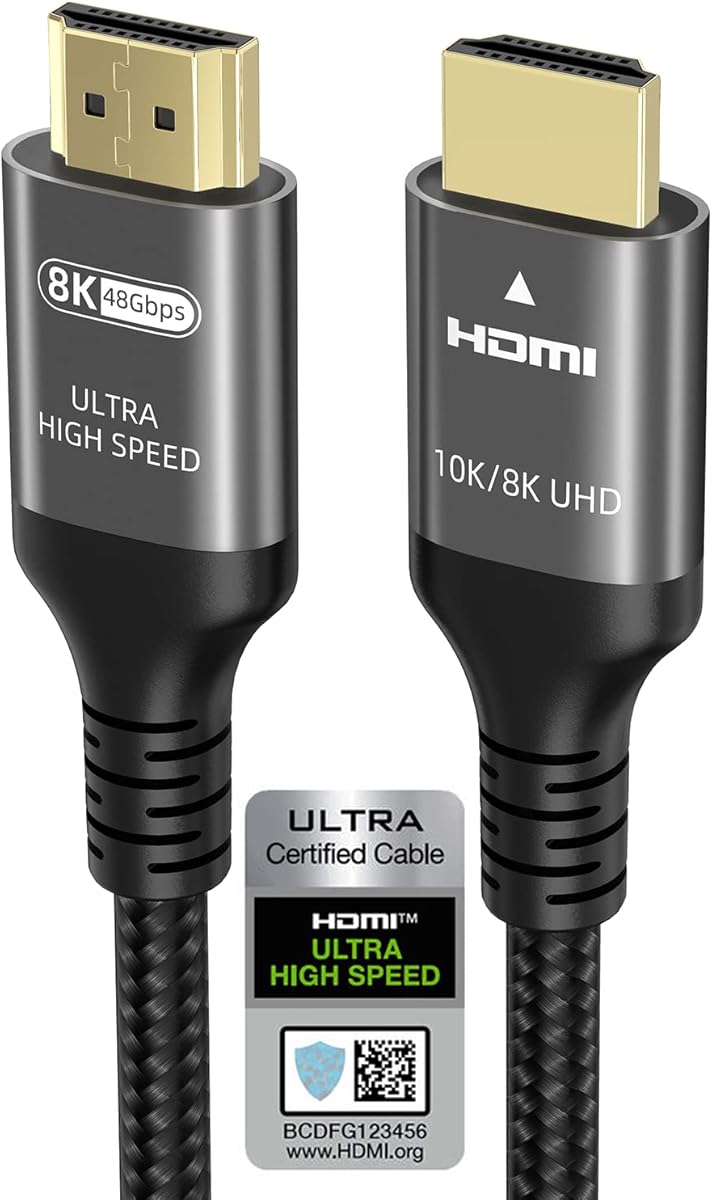


The Highwings 8K 10K 4K HDMI Cable 48Gbps 6.6FT/2M is a strong all-around choice for a projector located near its source. It carries a 4.7 rating and combines certified Ultra High Speed performance with 48Gbps bandwidth, support for 8K at 60Hz, and 4K at 120Hz. Those figures place it among the most capable cables in this guide, even though its compact two-meter length is better suited to a tabletop, media cabinet, or nearby ceiling installation than a projector mounted at the far end of a room.
We may earn a commission when you buy through this link, at no additional cost to you.
Its most useful strength is the combination of current bandwidth and flexible deployment. The HDMI 2.1 specification allows high-resolution gaming features such as variable refresh rate when both the source and display support them. The cable is also backward compatible with HDMI 2.0b, 2.0a, 1.4, 1.3, 1.2, and 1.1 devices, so it can be reused across older streaming boxes, computers, Blu-ray players, televisions, and projectors. Reinforced anti-bending connector tails and military-grade tensile nylon add practical durability for a cable that may be moved, plugged, and unplugged regularly.
There are two limitations to keep in perspective. A 6.6-foot cable cannot accommodate a large distance between the source and projector, so it may need an extension or a different model. Also, the most advanced resolution and gaming modes depend on the entire chain of devices. A projector that accepts only 4K at 60Hz will not gain a visible benefit merely because the cable supports 8K or 4K at 120Hz.
This is the most versatile recommendation for a modern projector setup where the source and projector sit reasonably close together. It suits buyers who want certification, high bandwidth, broad compatibility, and a manageable length in one cable. For a larger room or a permanently mounted projector farther from the source, the 15-foot and 25-foot options in this guide offer more installation flexibility.
The 48Gbps bandwidth and HDMI 2.1 foundation allow this cable to serve 8K and high-refresh 4K sources without relying on the more limited bandwidth associated with older HDMI generations. That makes it a sensible match for newer consoles, high-end graphics cards, and compatible 4K or 8K displays.
The reinforced connector design and tensile nylon jacket target common failure points where ordinary cables bend sharply near the plug. Those details are especially useful in a media setup where the projector, streaming device, or game console may be adjusted from time to time.
We may earn a commission when you buy through this link, at no additional cost to you.
The Snowkids 8K Long HDMI 2.1 Cable 25 ft is the most practical long-run option in the group. Its 4.6 rating, 25-foot length, and 48Gbps bandwidth make it appealing to owners of ceiling-mounted projectors, large media rooms, and installations where the source equipment sits in a cabinet away from the screen. The stated support for 8K at 60Hz, 4K at 120Hz, HDR, eARC, VRR, QFT, QMS, ALLM, and DSC gives the cable a broad feature set for modern home entertainment.
We may earn a commission when you buy through this link, at no additional cost to you.
Length is the defining advantage. A projector can be positioned across a room, around furniture, or near a rear wall without forcing the source to sit directly beside it. The cable also works with HDTVs, laptops, monitors, PS5, Xbox systems, projectors, entertainment systems, soundbars, Blu-ray players, and video-conference equipment. Its flexible strength design is intended to withstand repeated flexing, while 24K gold-plated connectors and military-grade tensile nylon support dependable everyday use.
The trade-off is that 25 feet is a substantial cable for a compact setup, and excess length can make a rack or table look untidy. When a projector is directly beside the source, a shorter cable is easier to manage. The listed gaming and audio features also require corresponding support in the source, projector, receiver, or display, and they cannot improve a device that lacks those functions.
Choose the Snowkids cable when installation distance is the main challenge and you want a single long HDMI 2.1 run rather than a chain of shorter cables and extensions. It is a particularly compelling option for a modern gaming projector, a large dedicated media room, or any setup that benefits from 4K at 120Hz capability. Measure the complete route before ordering so the finished installation retains enough control over excess cable.
A 25-foot lead can bridge equipment placed on an entertainment console and a projector mounted across the room. It reduces the need for an intermediate extender, which may simplify the connection and avoid adding another component to the signal path.
Support for VRR, ALLM, eARC, and high-bitrate audio makes this cable useful for compatible consoles, PCs, projectors, and soundbars. The features become active only when the connected equipment also supports the relevant standard.
We may earn a commission when you buy through this link, at no additional cost to you.
The Acer HDMI 2.1 Cable 6.6FT pairs a 4.7 rating with a detailed set of construction and signal features. It supports 8K at 60Hz, 4K at 240Hz, 4K at 120Hz, and 4K at 144Hz, while also remaining compatible with 4K at 60Hz, 2K, and 1080p. That makes it technically ambitious for a short cable intended for projectors, TVs, and monitors.
We may earn a commission when you buy through this link, at no additional cost to you.
Its physical design is a major selling point. A high-purity copper core, aluminum alloy connector shells, and braided jacket are intended to resist electromagnetic interference, bending, and daily wear. The cable also supports eARC and ARC along with Dolby Vision, Dolby Atmos, and variable refresh rate on compatible equipment. Plug-and-play use adds convenience, while broad compatibility covers projectors, game consoles, streaming devices, computers, laptops, and different display types.
The principal limitation is reach. At 6.6 feet, the cable is appropriate when the projector is close to the source or mounted immediately above a nearby console. Longer room layouts will require a longer model. The advertised 4K at 240Hz mode is also far beyond many projector capabilities, so buyers should assess whether their projector can actually use the higher refresh rates before treating that figure as the deciding factor.
The Acer cable is a good fit for a compact, high-end installation where the projector sits near a gaming console or computer and the owner wants durable construction with ample bandwidth. It stands out among short options because of its braided exterior and metal-shelled connectors. For larger rooms, prioritize length first and then select a cable whose supported modes match the projector.
The braided jacket and aluminum alloy shells are designed to protect the cable in frequently handled locations. Copper conductors provide the signal pathway, while the listed shielding characteristics help reduce interference in setups with nearby electronics and power cables.
Supporting 4K at 240Hz gives the cable considerable headroom for current and future high-performance displays. Most projector buyers will use it at 4K at 60Hz, so the practical benefit is often future-ready capacity rather than immediate use of every advertised mode.
We may earn a commission when you buy through this link, at no additional cost to you.
The Highwings HDMI Cable 15 ft, 4K Ultra High Speed HDMI to HDMI Cord is a balanced option for projector owners who need more reach than a short desktop cable without requiring HDMI 2.1 bandwidth. It has a 4.7 rating, supports 4K at 60Hz, and provides 18Gbps data capacity. That is sufficient for many mainstream 4K projectors, televisions, Blu-ray players, and gaming systems.
We may earn a commission when you buy through this link, at no additional cost to you.
The cable emphasizes practical construction. Gold-plated connectors are used to support high-speed, stable signal transmission, while an SR joint design at both ends helps protect the connector necks from cracking. The stated testing covers more than 15,000 bends, and the easy-grip design makes insertion and removal more convenient. Plug-and-play operation means no drivers or complicated setup process are required.
Its primary limitation is bandwidth. The 18Gbps specification cannot carry HDMI 2.1's full 48Gbps, so 8K at 60Hz and 4K at 120Hz are outside its intended capability. This is not a meaningful drawback for a 4K projector limited to 60Hz, but it matters for a setup combining a high-refresh projector with a capable gaming console or PC. The cable should also be considered alongside the source device's output format.
The Highwings 15-foot model is most appropriate for a typical living room or dedicated theater with a moderate source-to-projector distance and 4K at 60Hz as the target. It offers a sensible balance of length, flexibility, and proven performance. Choose it when the projector cannot use higher HDMI 2.1 modes, and look for a 48Gbps option when high-refresh gaming is a priority.
An 18Gbps HDMI 2.0 cable addresses the most common 4K home-cinema format of 3840 by 2160 at 60Hz. It is a practical match for projectors that do not support the higher bandwidth required by 4K at 120Hz or 8K.
The reinforced joint and easy-grip connector design focus on a common weak point: the area where a cable bends immediately after the plug. This helps preserve usability when the connector is regularly removed or routed around furniture.
We may earn a commission when you buy through this link, at no additional cost to you.
The Cheges HDMI Cable 4K 60 Hz 20 ft is a budget-minded choice for projector setups that need a generous cable length and 4K at 60Hz. It carries a 4.7 rating and supports 18Gbps, UHD 2160p, QHD 1440p, 1080p, HDCP 2.2 and 1.4, ARC, and 3D. These are broadly useful features for a projector connected to a console, computer, streaming device, or Blu-ray player.
We may earn a commission when you buy through this link, at no additional cost to you.
Its 20-foot length is particularly valuable in a medium or large room. It gives installers more freedom to place a projector on a ceiling, shelf, or rear entertainment unit without keeping the source immediately adjacent. The cable also uses a nylon-braided jacket, 24K gold-plated connectors, and tinplate metal shielding. Its stated bend lifespan exceeds 10,000 cycles, adding confidence for regular reconnections and longer-term use.
The compromise is that this remains an HDMI 2.0-class cable. Its 18Gbps capacity is enough for 4K at 60Hz but not 4K at 120Hz or 8K output. Backward compatibility with newer and older HDMI versions does not change the physical data limit. Anyone planning to use a high-refresh projector for competitive gaming should verify the projector's supported input modes before settling on this cable.
This is a strong pick for buyers who want long reach, 4K support, and reliable construction without paying for unused HDMI 2.1 capacity. It is especially well suited to standard home cinema, classroom, office, and presentation setups where 4K at 60Hz is the practical target. Measure the installation route, keep bends gentle, and confirm that both source and projector support the desired resolution and refresh rate.
The 20-foot length solves many common placement problems while maintaining 18Gbps bandwidth. It gives a projected image a direct cable path to the source without requiring the immediate proximity demanded by shorter options.
A nylon-braided exterior, gold-plated contacts, and metal shielding create a practical construction for home and office installations. The stated bend rating also indicates attention to the connector and jacket area, where cables commonly age quickly.
We may earn a commission when you buy through this link, at no additional cost to you.
The PowerBear 4K HDMI Cable 10 ft fills a useful middle ground between compact projector leads and long room-routing cables. It has a 4.7 rating, supports 4K at 60Hz with 18Gbps transfer capacity, and includes a CL3 rating for in-wall installation. That makes it a credible option for a permanently mounted projector or a setup with a moderate cable path.
We may earn a commission when you buy through this link, at no additional cost to you.
Signal integrity is supported by 30AWG copper wire, triple tin shielding, and a double-braided nylon exterior. Gold-plated, corrosion-resistant connectors complete the construction. The cable supports 48-bit-per-pixel HDR color depth, TrueHD 7.1 audio, ARC, and Ethernet, while remaining compatible with earlier HDMI versions from 1.3 through 2.0a. It can be used with projectors, Blu-ray players, streaming devices, game consoles, computers, laptops, and monitors.
Its main technical boundary is explicit: it is not designed for 8K. It also lacks the bandwidth required for 4K at 120Hz. That makes it well matched to a standard 4K-at-60Hz projector but less appealing to buyers whose main goal is high-refresh PC or console gaming. While the ten-foot length is useful, it may not span a large room where the projector is mounted across from a media console.
The PowerBear cable is a versatile middle-ground recommendation for 4K home viewing, presentations, and standard gaming. Its CL3 rating and shielding make it particularly interesting for planned in-wall installations. Choose it when 18Gbps is sufficient, and select a 48Gbps HDMI 2.1 cable instead when the projector and source are designed for 4K at 120Hz or higher.
The CL3 rating is the distinguishing feature for installers who plan to run the cable through a wall or other concealed cable pathway. It helps distinguish this model from ordinary in-room leads designed only for visible installation.
Triple tin shielding, copper conductors, and a double-braided jacket support stable transmission in rooms containing multiple electronic devices. The gold-plated contacts are also intended to resist corrosion over repeated insertions.
We may earn a commission when you buy through this link, at no additional cost to you.
The Highwings Long HDMI Cable 15 FT stands out for combining HDMI 2.1 bandwidth with an in-wall CL3 rating. Its 4.5 rating is slightly below several alternatives in the group, but the supplied specifications make this a compelling option for permanently installed projectors that need long routing, current gaming features, and the option to conceal the cable.
We may earn a commission when you buy through this link, at no additional cost to you.
The cable supports 48Gbps, 8K at 60Hz, 4K at 120Hz, Dynamic HDR, 3D, HDCP 2.2 and 2.3, eARC, and VRR. Copper wire technology is intended to improve bandwidth capacity, interference resistance, and signal carrying performance over distance. Compatibility extends backward from HDMI 2.1 to HDMI 1.1, and the listed device support includes laptops, Blu-ray players, televisions, projectors, AV receivers, AMD and Nvidia RTX 3080 and 3090 systems, and Series X or S consoles.
The 15-foot length is more versatile than a six-foot lead but shorter than the 20- and 25-foot options. It works well for medium rooms and concealed routes, while very large spaces may still require more reach. The 4.5 rating should also be considered alongside the richer feature list: it is not the highest-rated option here, even though the stated capabilities are extensive.
This Highwings model is best for a modern gaming projector in a room where the connection may be routed through a wall or ceiling. It also suits users who want backward compatibility and advanced HDMI 2.1 features in one lead. Buyers using a conventional 4K-at-60Hz projector can still use the cable, but should not expect the projector to unlock modes it does not support.
Variable refresh rate and support for 4K at 120Hz make the cable relevant to high-performance gaming setups. The projector, source, and game must all support the desired mode, and the room environment also affects whether the difference is visually obvious.
The CL3 rating and 15-foot length make this lead easier to incorporate into a planned wall or ceiling route. Copper conductors and bidirectional transmission further support a fixed installation where consistent signal flow is important.
We may earn a commission when you buy through this link, at no additional cost to you.
The Ubluker 10K 8K 4K HDMI Cable 10FT is a polished choice for buyers who want certification and a broad list of supported modes in a moderate-length cable. It carries a 4.7 rating, includes an official HDMI certification label, and supports 48Gbps bandwidth with 8K at 60Hz, 5K at 144Hz, 4K at 240Hz, 2K at 360Hz, and 1080p at 360Hz.
We may earn a commission when you buy through this link, at no additional cost to you.
The certification is complemented by support for ALLM, VRR, QMS, QFT, Dynamic HDR, HDR10+, CEC, HDCP 2.2 and 2.3, and DSC 1.2a. Audio support includes eARC, ARC, DTS Master, DTS:X, Dolby TrueHD, Dolby Vision, and Dolby Atmos. Compatibility is broad across projectors, gaming PCs, consoles, soundbars, televisions, streaming devices, and laptop systems.
A ten-foot cable is a sensible middle length for a projector positioned near a media console, mounted above it, or placed along a nearby wall. It lacks the reach of the 15-, 20-, and 25-foot options and may be insufficient for a projector installed across a large room. As with the other high-specification cables, advertised modes are only available when the source and projector can generate and accept them.
The Ubluker cable is a strong all-round recommendation for a modern projector near the source, especially when formal certification is important to the buyer. Its 4.7 rating, official certification, and wide format support make it easy to recommend for mixed home-entertainment setups. If installation distance is greater than roughly ten feet, move up to one of the longer HDMI 2.1 models.
An official HDMI certification label gives the cable a clearly documented compliance position. Its support for DSC, VRR, ALLM, and current audio formats makes it suitable for a broad mix of modern sources and displays.
Ten feet offers enough distance for many nearby projector arrangements without the bulk of a 20- or 25-foot cable. It is especially useful when the source and projector share a stand or sit on opposite sides of a single cabinet.
We may earn a commission when you buy through this link, at no additional cost to you.
The LEADSTAR 4K HDMI Cable 25 ft delivers a long installation run with 18Gbps bandwidth and 4K at 60Hz support. Its 4.7 rating makes it a practical alternative to the Snowkids cable for buyers whose projector needs substantial distance but whose source and display do not require 8K or 4K at 120Hz.
We may earn a commission when you buy through this link, at no additional cost to you.
The cable uses a pure copper core, gold-plated connectors, imported chips, and an ultra-durable nylon braid. Its listed bend lifespan exceeds 10,000 cycles. It supports 4K at 60Hz, 2160p, 48-bit-per-pixel color depth, HDR, Ethernet, 3D, ARC, and up to 18Gbps of bandwidth. Compatibility includes Xbox consoles, Blu-ray players, Fire TV, Apple TV, PS4, PS5, computers, televisions, displays, AV receivers, and projectors.
Its 25-foot length is capable of handling a long room, ceiling mount, or distant equipment rack. The challenge is managing the excess cable once installed, especially behind furniture or inside a table. It is also an HDMI 2.0-class cable, so high-refresh 4K gaming and 8K are outside its capability despite the very long run.
The LEADSTAR model is best for a large living room, classroom, or event space where the projector is far from the source but 4K at 60Hz is sufficient. Its primary value comes from combining long reach with a 4.7 rating and solid construction. Gamers focused on 120Hz should choose a 48Gbps cable, while buyers who do not need a 25-foot run may find a shorter model easier to manage.
The 18Gbps data capacity provides a direct 4K-at-60Hz path across a 25-foot run. This makes the cable suitable for projectors installed at a considerable distance from their streaming or gaming source.
A pure copper core supports signal transmission, while gold-plated connectors and the nylon braid protect frequently handled areas. The stated bend testing indicates that connector strain and jacket flexibility were considered during construction.
We may earn a commission when you buy through this link, at no additional cost to you.
The Highwings HDMI Cable 15 FT Long is a feature-rich HDMI 2.1 option for projector users who want more reach than a short cable and more bandwidth than an HDMI 2.0 lead. It has a 4.5 rating, provides 48Gbps bandwidth, and supports 8K at 60Hz and 4K at 120Hz along with HDR formats such as Dolby Vision.
We may earn a commission when you buy through this link, at no additional cost to you.
Its main appeal is physical construction. High-purity copper cores and triple-layer shielding are intended to reduce interference and signal loss over a longer run. A braided nylon jacket helps prevent fraying, and gold-plated connectors are designed to resist corrosion. The cable supports VRR, ALLM, eARC, and high-bitrate audio formats, making it appropriate for modern consoles, PCs, projectors, soundbars, and home theater systems.
The 4.5 rating is the main reason it does not lead the guide. It still has a strong feature set, but several alternatives have higher customer ratings and offer formal certification or CL3 in-wall suitability. The 15-foot length can also be excessive for a projector placed immediately beside the source. Buyers should distinguish between the cable's advertised support and the features that their projector and source can actually use.
This Highwings model is a good fit for a medium-size room with a modern 4K gaming projector, particularly when durable materials and interference resistance are priorities. It bridges the convenience of a 15-foot lead with the bandwidth needed for 4K at 120Hz. For formal in-wall routing, consider the CL3-rated alternative; for certified performance, consider the officially certified Ubluker option.
Triple-layer shielding and high-purity copper are particularly relevant to a 15-foot cable, where maintaining a stable signal is more challenging than with a very short lead. The construction also supports use near computers, receivers, and other interference sources.
VRR and ALLM can improve motion handling and response on compatible gaming hardware, while eARC supports advanced audio return functions. The projector, game system, television or receiver, and game must all participate for these functions to operate.
We may earn a commission when you buy through this link, at no additional cost to you.
The best HDMI cord for a projector is the one that spans the installation route, supports the format used by the source and projector, and remains physically manageable. Cable length, bandwidth, gaming functions, audio support, shielding, and installation rating should be considered together rather than in isolation.
Start by measuring from the source device to the projector while following the actual route rather than drawing a straight line. The path may travel down a media console, behind furniture, up a wall, across a ceiling, or through conduit. Add enough extra length to permit service access and gentle bends at each connector. A cable that is slightly longer than required is easier to manage than one stretched tightly across a room, while an excessively long cable can create unnecessary slack and clutter.
Choose roughly six to ten feet for a compact nearby setup, around fifteen feet for a medium room, and twenty or twenty-five feet for larger spaces or ceiling-mounted installations. Always check the supplied length, because listings may describe the package in slightly different terms. Purchase a single appropriately sized lead whenever possible rather than connecting several shorter cables through extenders.
In short, measure the real path and select the shortest standard length that provides comfortable routing margin.
Bandwidth determines which video formats a cable can carry without exceeding its limits. An 18Gbps HDMI 2.0 cable is appropriate for a projector operating at 4K at 60Hz, while a 48Gbps HDMI 2.1 cable provides the headroom associated with 4K at 120Hz and 8K at 60Hz. Higher advertised modes still require matching source and projector capabilities, so buying the maximum bandwidth is useful only when the rest of the system can take advantage of it.
For a standard 4K home cinema setup, 18Gbps is often enough. For a newer gaming projector, 48Gbps can be worthwhile. If the projector is limited to 1080p or 4K at 30Hz, a more basic cable may be sufficient. Check the projector specification sheet for supported input modes, refresh rates, and HDR formats before deciding.
In short, choose bandwidth that matches the projector's highest mode you realistically plan to use, while leaving modest room for newer sources.
Resolution alone does not describe the complete image format. A projector may support 4K at 60Hz, 4K at 120Hz, 8K at 60Hz, or various gaming refresh rates, and each mode has different bandwidth requirements. HDR is another layer, with formats such as HDR10, HDR10+, and Dolby Vision depending on the equipment. A capable cable can carry the correct data, but it cannot add a feature the projector lacks.
For gaming, variable refresh rate and ALLM may be important if the source and projector support them. For cinema, HDR and deep color may take priority. For mixed use, look for a cable that lists the relevant format alongside the resolution, rather than relying on a vague phrase such as premium or ultra high speed.
In short, compare the exact resolution, refresh rate, color format, and HDR standard required by your projector and source.
If the projector connects to a soundbar or AV receiver, audio return capability can simplify the installation. ARC is widely supported, while eARC is associated with newer HDMI functionality and can support advanced audio formats. The exact codecs remain dependent on the projector, receiver, soundbar, and content source. A cable's support for a feature does not guarantee that the projector can decode every listed format.
Some installations also require separate optical or digital audio connections, particularly with older projectors or receivers. Check the projector's manual for supported audio-return behavior before relying on one HDMI cable to carry both video and sound. For a straightforward picture-only connection, these extra audio specifications may have little practical effect.
In short, confirm that the projector and sound system share a compatible audio-return standard before expecting one cable to handle both.
A projector's cable may remain plugged in for months, then be moved during furniture changes, cleaning, or equipment upgrades. Braided nylon jackets, reinforced connector necks, easy-grip housings, and gold-plated contacts are intended to withstand repeated handling. Bend-life claims offer a useful comparison, but they should still be treated as manufacturer specifications rather than proof that every cable will last indefinitely.
The connector shell and strain relief deserve particular attention because a sharp bend immediately behind the plug is a common failure point. Thick, flexible cables can also be easier to route permanently. A moderate amount of reinforcement is more useful than an overly rigid cable that creates unnecessary strain in a tight installation.
In short, look for protected connector tails and a flexible exterior, especially if the projector or source will be handled regularly.
Shielding helps protect the signal from electromagnetic interference produced by nearby computers, game consoles, power systems, and other electronics. Triple shielding, metal connector shells, and braided exteriors are common features among the more heavily constructed models here. Although the image may appear clean in a simple setup, interference can become more relevant in a dense entertainment cabinet or a room with substantial electrical equipment.
Shorter cables generally have less opportunity for interference to accumulate, but shielding still improves installation flexibility. Buyers should avoid tightly coiling a cable around a power brick, and they should route signal and power lines separately where practical. High-quality construction does not excuse poor cable management.
In short, choose shielding for complex equipment rooms and maintain sensible routing to keep signal and power leads apart.
A CL3 rating indicates that a cable is designed for in-wall installation when used under the conditions specified by the relevant rating requirements. It is different from a general in-wall installation and should not be confused with every type of concealed pathway. Local electrical and building rules can apply, particularly in occupied structures, so appropriate guidance may be needed before a cable is buried in a wall.
The CL3-rated models in this guide are the PowerBear 10-foot cable and the Highwings 15-foot HDMI 2.1 cable. They offer useful options for planned construction, but a visible installation may be simpler and easier to service. Do not assume that a cable lacking a stated in-wall rating is suitable for permanent concealment.
In short, check local requirements and select a properly rated cable when routing the connection through a wall or similar enclosure.
A cable that supports 10K, 8K, eARC, VRR, ALLM, HDR, and advanced audio may be excellent, but many projector owners will use only 4K at 60Hz with sound sent to a separate receiver. Paying attention to the practical requirements of the room prevents unnecessary overbuying while still allowing useful headroom for future equipment changes.
Consider the source, projector, receiver, display device, and room path as one system. A short certified HDMI 2.1 cable may be ideal for a nearby console, while a 25-foot 4K cable may be the better choice for a long installation. The correct recommendation depends more on matching the cable to the chain than on selecting the most advanced label.
In short, prioritize required resolution, refresh rate, length, and routing needs before optional features that your equipment may never use.
Connect the cable to the appropriate HDMI output on the source device and the projector's HDMI input while both components are powered off. Route the cable along the intended path, keeping it away from sharp edges and power adapters. If the projector is ceiling-mounted, leave a small amount of service slack near the mount and secure the cable at intervals without creating tight bends. Then power on the projector, select its HDMI input, and configure the source for the resolution and refresh rate supported by the projector.
Use the projector's menu to select the desired signal format. If the image is blank, check that the selected input matches the connected port and inspect both connector ends for looseness. For a missing 4K or high-refresh mode, verify the source output setting, the cable's bandwidth, and the projector's supported formats. Additional settings such as HDR, VRR, ALLM, and enhanced audio return may need to be enabled in the relevant device menus, and every component must support the selected function.
To preserve the cable, avoid sharply folding it around furniture or pulling it by the connector. Keep connectors clean and dry, and unplug them by gripping the housing rather than the wire. Do not route the lead tightly around a high-power supply, and avoid placing it beneath rugs where it may be crushed. Periodically inspect the visible sections and both connector tails for damaged shielding, pinched conductors, or excessive strain.
Not always. A projector limited to 4K at 60Hz can operate with an 18Gbps HDMI 2.0 cable, so an HDMI 2.1 lead may provide little immediate benefit. Consider 48Gbps HDMI 2.1 when the projector and source support 4K at 120Hz, 8K, VRR, or other advanced modes that require the additional bandwidth.
Measure the full route from the source to the projector, including any travel behind furniture, along walls, or through the ceiling. Six to ten feet suits many nearby installations, while medium and large rooms may need fifteen to twenty-five feet. Leave a little service slack and avoid stretching the cable taut.
A quality cable designed for its stated length should carry the supported signal reliably, but very long runs can be more vulnerable to interference and signal degradation. Select the appropriate bandwidth, use good shielding, avoid tight bends, and avoid unnecessary extension devices. For unusually long or concealed routes, professional installation guidance may be worthwhile.
Yes, a standard HDMI connection can carry digital audio and video together. Projectors may also support ARC or eARC to return audio to a soundbar or receiver. Compatibility and codec support depend on the projector and sound system, and some users may need a separate digital or optical audio connection.
Only if you want to use an HDMI 2.1 feature or video mode that the projector specifically supports. A capable cable cannot create 4K at 120Hz, 8K, VRR, or HDR support on a projector that does not accept them. Check the projector's input specifications and manual for the exact modes it supports.
A braided jacket can improve resistance to everyday wear and makes a permanently installed cable easier to manage. It does not independently determine video quality, however. Bandwidth, signal construction, connector quality, routing, and compatibility with the source and projector remain the more important functional considerations.
Only with a cable that is appropriately rated for the planned concealed installation and in accordance with local requirements. Among the products reviewed, the PowerBear 10-foot and Highwings 15-foot options carry a stated CL3 rating. A qualified installer can help determine whether the planned route and construction are appropriate.
Most projector installations work with a standard passive HDMI cable of the appropriate length and bandwidth. Active or optical-style solutions become more relevant for unusually long routes or specialized installation requirements. For the cable lengths covered here, matching the stated bandwidth, connector type, and source and projector support is the essential first step.
The Highwings 48Gbps 6.6FT is the most versatile overall pick for a nearby modern projector, combining certification, high bandwidth, gaming support, and a compact length. The Snowkids 25-foot HDMI 2.1 cable is the leading choice for long installations, while the Cheges 20-foot HDMI 2.0 cable delivers useful 4K-at-60Hz reach at a budget-focused level. Each serves a different room layout rather than competing for the same single use case.
Prioritize the specifications your equipment can actually use. Match the cable's bandwidth and length to the projector's input modes and installation route, then consider shielding, in-wall rating, audio return, and connector construction. A shorter high-bandwidth cable is not automatically better than a longer 18Gbps option; the right choice is the one that provides a clean, serviceable, and fully compatible connection.
Finally, check the current listing, package contents, exact length, compatibility information, and price before purchasing. Projector specifications and cable availability can change, and promotions vary over time. Confirm that the source device, projector, and any soundbar or receiver form a supported combination before placing the order.