
NETGEAR Orbi 970 Series RBE972S
3.3Editor score
Quad-band WiFi 7 networking
Dedicated backhaul for performance
6,600-square-foot stated coverage
Our Netgear Orbi Mesh System guide compares coverage, WiFi speed, backhaul, ports, security, and expandability to help you choose the right model.
A Netgear Orbi Mesh System can eliminate weak WiFi coverage while giving every device one secure, easy-to-manage network. The right model depends on home size, construction, device count, internet speed, and whether your household needs WiFi 6, WiFi 6E, or WiFi 7 performance.
We compared the supplied Orbi systems and satellite options by examining wireless generation, aggregate throughput, dedicated backhaul, Ethernet connectivity, stated coverage, supported devices, security features, app-based management, and compatibility with additional mesh units. The list also includes one closely related mesh alternative for context.
Our top selections show which Orbi model suits a large home, a typical connected household, and a buyer seeking a balanced, lower-cost starting point. Individual ratings, features, availability, and promotions can change, so verify the current listing and confirm compatibility before purchasing.
3.3Editor score
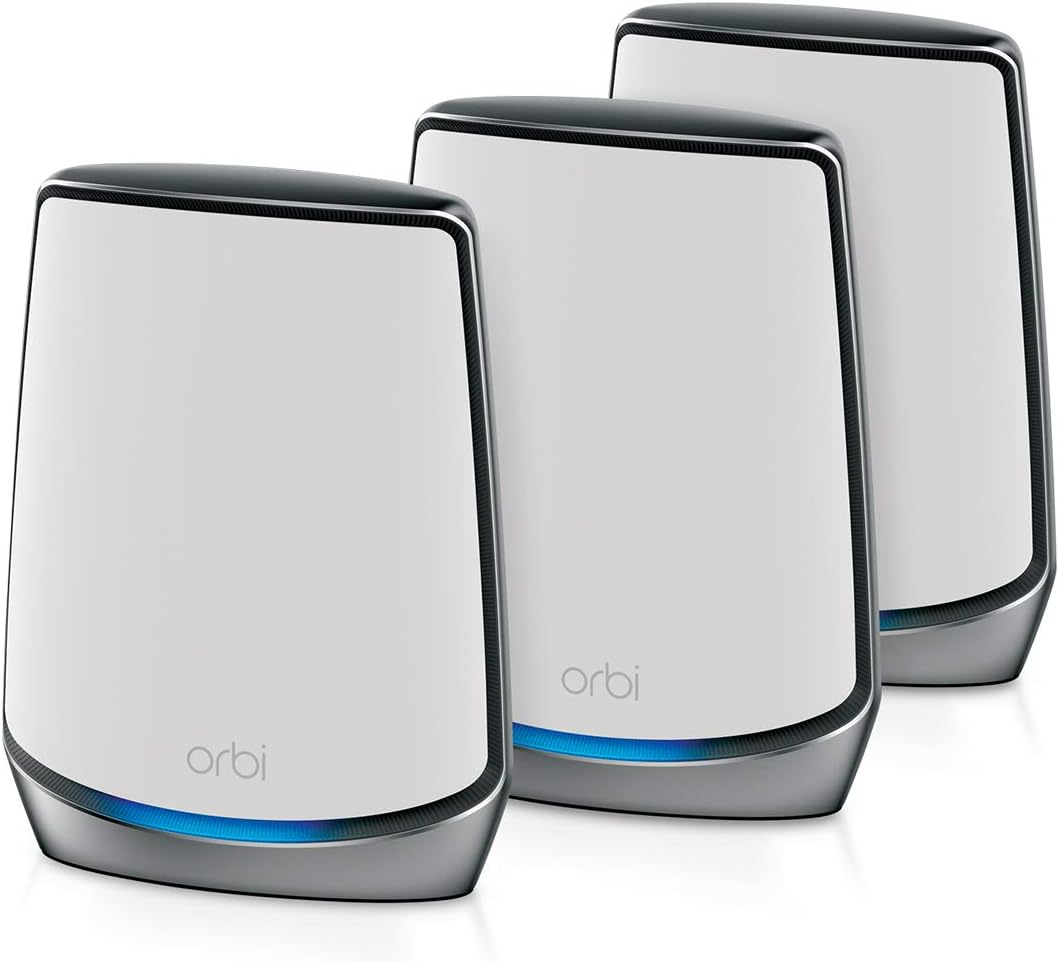
4.2Editor score
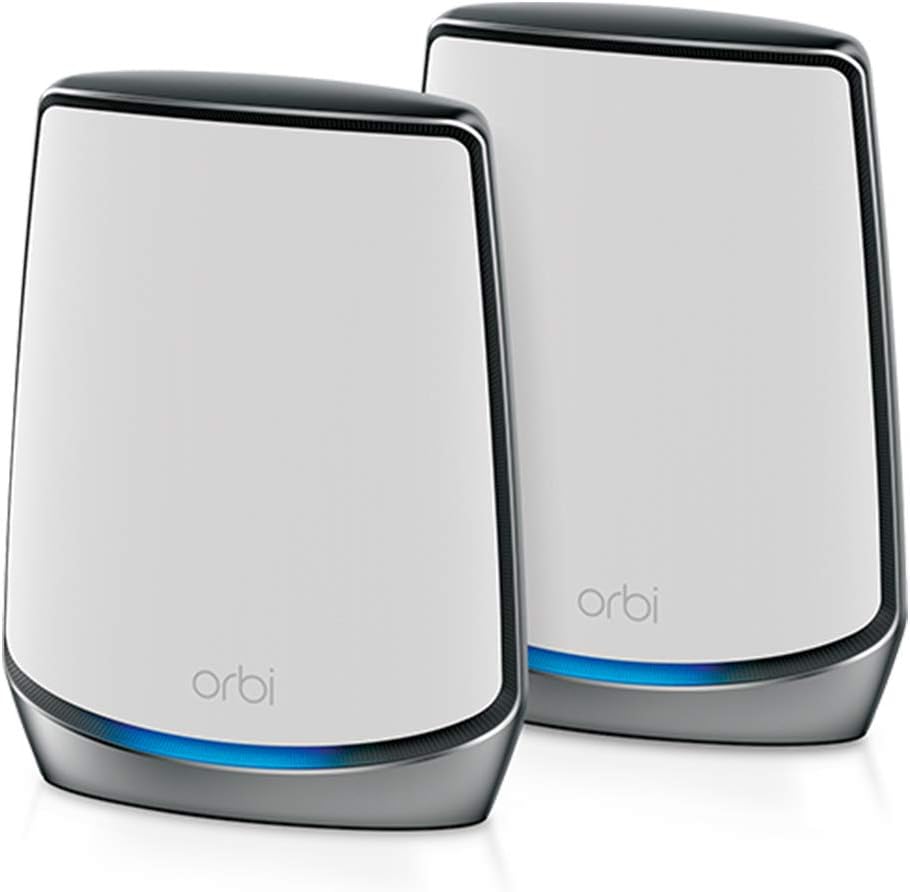
4.3Editor score
The table below compares the supplied mesh systems and add-on satellites by generation, throughput, coverage, and expansion options, making it easier to identify the most appropriate model for a particular home network.


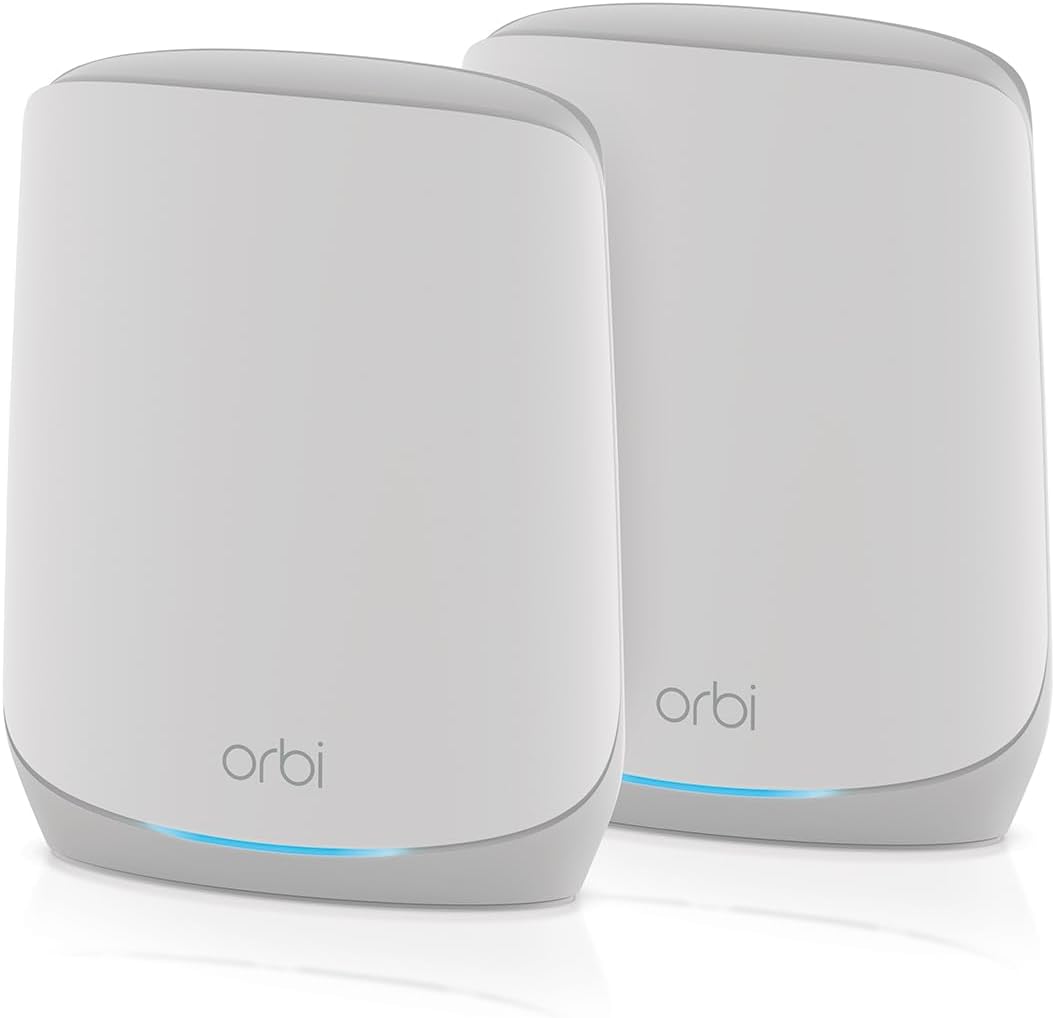


The NETGEAR Orbi 970 Series RBE973S is a router-and-two-satellite WiFi 7 mesh system for households that want the highest generation and strongest stated capacity in this list. It has a 3.7 rating, quad-band networking, throughput of up to 27 Gbps, and a stated coverage area of up to 10,000 square feet for as many as 200 devices.
We may earn a commission when you buy through this link, at no additional cost to you.
Its most important technical feature is patented quad-band technology with Enhanced Dedicated Backhaul. That separate backhaul arrangement is designed to keep traffic between the router and satellites away from the bands serving client devices, which can be especially useful in a large, active home. The system also includes a 10 Gig internet port, making it more future-oriented than the WiFi 6 and WiFi 6E Orbi alternatives here.
The trade-offs are meaningful. This is a complex, premium platform whose 3.7 rating is lower than most of the mature WiFi 6 systems in the roundup. As with the other Orbi 970 configurations, it is made for use in the United States only. Aggregate throughput also does not guarantee that every client receives that rate; actual results depend on the internet plan, device capabilities, distance, walls, and interference.
This configuration makes the most sense for a large home with many active users, newer WiFi 7 clients, demanding smart-home equipment, and a need for extensive wired or high-capacity connectivity. Choose it when the newest standard and maximum scalability are priorities. For a smaller home, the RBK852 or RBK853 offers a more established and potentially more balanced approach.
The dedicated backhaul helps isolate mesh traffic from client traffic, supporting steadier performance when several rooms are using high-bandwidth applications at once.
Support for up to 200 devices and a 10 Gig internet port gives this configuration considerable headroom for newer phones, computers, televisions, and connected equipment.
We may earn a commission when you buy through this link, at no additional cost to you.
The NETGEAR Orbi RBK852 combines a router and one satellite extender in a tri-band WiFi 6 package. Its 4.3 rating is the highest among the complete Orbi system kits listed, while its stated specifications include AX6000 performance, coverage up to 5,000 square feet, and support for as many as 100 devices.
We may earn a commission when you buy through this link, at no additional cost to you.
The kit is well suited to average-sized homes that need more than a single router but do not need the newest wireless generation. It works with internet services up to 2.5 Gbps, including cable, satellite, fiber, and DSL. Four Gigabit Ethernet ports are available on the router and satellite, giving connected televisions, consoles, computers, and storage devices useful wired options.
Its main limitation is its position between the other RBK-series bundles. The two-piece RBK852 covers less area than the three-piece RBK853, while the AX5400 RBK762S offers a different balance of ports and included equipment. The RBK852 also uses WiFi 6, so buyers seeking the 6 GHz opportunities of WiFi 6E or the throughput of WiFi 7 must look elsewhere.
For most households seeking an established Orbi experience, this is the easiest general recommendation. It combines strong user feedback, a useful two-node layout, ample Ethernet ports, broad provider compatibility, and straightforward app management. It is particularly appropriate for apartments, smaller homes, and offices where the stated coverage target matches the space.
AX6000 tri-band performance gives modern devices room for everyday streaming, gaming, video calls, and connected-home activity while remaining compatible with older WiFi equipment.
With four Gigabit Ethernet ports on each included unit, the system can serve several stationary devices without forcing them onto slower wireless links.
We may earn a commission when you buy through this link, at no additional cost to you.
This NETGEAR Orbi 970 Series satellite is an add-on rather than a standalone mesh system. It is designed for RBE971, RBE972, and RBE973 systems and carries a 3.3 rating. Each unit can add up to 3,300 square feet of coverage to an existing 970 Series network.
We may earn a commission when you buy through this link, at no additional cost to you.
Because it works with the same quad-band WiFi 7 platform as the complete kits, it is a logical way to extend a compatible Orbi installation without changing its generation. Enhanced Dedicated Backhaul reserves capacity for satellite traffic, while seamless roaming lets connected devices move among access points while using one network name.
Compatibility is the decisive limitation. Buyers without a 970 Series system cannot use this satellite as an independent router, and it should not be assumed to work with older Orbi generations. Its 3.3 rating also deserves attention, especially when a complete 970 kit may offer a more straightforward way to establish a compatible network.
This satellite is best for an existing 970 Series owner who has discovered a weak zone after the initial installation or needs to cover an additional floor, basement, garage, or outdoor area. For a first-time buyer, start with a complete router-and-satellite kit and add this node only when placement data confirms a coverage gap.
The satellite is most valuable when one part of the property remains poorly served, allowing an existing network to extend without replacing its central equipment.
Matching the 970 Series architecture preserves quad-band operation, dedicated backhaul, and a unified roaming experience across the completed mesh.
We may earn a commission when you buy through this link, at no additional cost to you.
The NETGEAR Orbi RBK762S is a two-node, tri-band WiFi 6 mesh system rated 4.1. It covers up to 5,000 square feet and supports up to 75 devices, offering a sensible way to establish whole-home coverage without starting with the largest three-piece configuration.
We may earn a commission when you buy through this link, at no additional cost to you.
Its AX5400 aggregate performance is designed for streaming, HD video gaming, and web conferencing. The router includes three 1 Gig Ethernet ports, while the satellite has two, and the system supports internet services up to 2.5 Gbps across cable, satellite, fiber, and DSL connections.
The main compromises appear in capacity and connectivity. Its stated 75-device limit is lower than the 100-device figure associated with the RBK852 and RBK853, and the RBK762S has fewer Ethernet ports on both units. It is also intended for use in the United States only.
This system is appealing for budget-conscious buyers who want two coordinated access points, app management, and a straightforward path to add an Orbi 760 satellite later. Choose it for a home with a moderate number of connected devices and a need for at least one hardwired connection. Buyers with more devices or greater wired-network demands should examine the RBK852.
The included router and satellite provide an efficient starting layout for many medium-sized homes without requiring a larger multi-node bundle.
A compatible Orbi 760 satellite can be added with a button press, making it possible to address a newly discovered dead zone later.
We may earn a commission when you buy through this link, at no additional cost to you.
The TP-Link Deco 7 Pro is included as a relevant alternative to Orbi rather than as another NETGEAR model. It is a three-pack tri-band WiFi 7 mesh system with a 4.2 rating, stated coverage of up to 7,600 square feet, and support for more than 200 devices.
We may earn a commission when you buy through this link, at no additional cost to you.
Its BE10000 class combines stated band speeds of 5,188 Mbps on 6 GHz, 4,324 Mbps on 5 GHz, and 574 Mbps on 2.4 GHz. Each unit includes four 2.5G WAN/LAN ports, a USB 3.0 port, AI-roaming functions, VPN support, parental controls, and real-time IoT security features.
Performance still depends on walls, distance, interference, client hardware, and the available internet connection. Wired and wireless backhaul work together, but a usable backhaul path requires at least two Deco units, and most internet providers require a separate modem.
This system is worth considering for buyers willing to use a different mesh ecosystem. It offers a compelling combination of WiFi 7, multi-gigabit Ethernet, and strong stated device capacity. However, it cannot expand an existing Orbi network, so Orbi users should generally remain with compatible Orbi satellites for a consistent management experience.
Four 2.5G ports on each Deco unit provide useful wired capacity for modern networks and allow both WAN and LAN functions.
AI-Roaming uses algorithms and self-learning behavior to guide devices toward access points for more stable movement throughout the home.
We may earn a commission when you buy through this link, at no additional cost to you.
The NETGEAR Orbi RBK853 is our editor's choice because its router-and-two-satellite arrangement offers an effective balance of coverage, speed, user feedback, and connectivity. It has a 4.2 rating, tri-band WiFi 6, AX6000 aggregate performance, and stated coverage of up to 7,500 square feet for 100 devices.
We may earn a commission when you buy through this link, at no additional cost to you.
Including two satellites gives the installer more freedom to place access points in different parts of the home. A full band is dedicated to the mesh connection, helping preserve client performance. The system supports internet services up to 2.5 Gbps, and every included component provides four Gigabit Ethernet ports.
It is not the newest technology in the roundup. WiFi 7 systems offer higher theoretical throughput, while WiFi 6E adds a 6 GHz band for compatible modern clients. Even so, the RBK853 remains a practical mature platform, and the inclusion of three units reduces the need to purchase satellites immediately.
This is the strongest all-around Orbi option for medium-to-large homes that need reliable whole-home coverage and plenty of wired connections without chasing the newest standard. It is less compelling for buyers centered on WiFi 7 clients, but for broad household use, the RBK853 offers a particularly balanced package.
Two satellites allow the installer to cover separate floors or distant rooms without relying on a single extender to span the entire property.
Four Gigabit Ethernet ports on the router and both satellites make the system adaptable to consoles, desktop computers, televisions, and network storage.
We may earn a commission when you buy through this link, at no additional cost to you.
The NETGEAR Orbi CBK752 is a cable modem router and mesh satellite combination for homes that receive service through coax. Its 4.0 rating and AX4200 tri-band WiFi 6 make it a focused solution for cable subscribers who want to replace separate modem and router equipment.
We may earn a commission when you buy through this link, at no additional cost to you.
The package is certified with Xfinity service up to 900 Mbps, Spectrum up to 1 Gbps, and Cox up to 1 Gbps. The router has four Gigabit Ethernet LAN ports and the satellite has two, while the full band dedicated to the mesh connection supports consistent client traffic.
This is not a universal router choice. It does not work with fiber, DSL, or satellite internet, and the cable provider must activate the modem. Its stated 5,000-square-foot range also depends on an open layout, and walls, floors, and interference can reduce actual reach.
Buy the CBK752 if your provider supports it and you specifically want to consolidate cable modem and mesh router functions. It is especially practical when reducing equipment is important. For a non-cable connection or broader provider choice, a standard Orbi router kit offers more flexibility.
Integrating DOCSIS 3.1 modem and mesh router functions can reduce the number of separate boxes connected to a compatible cable service.
Automatic firmware updates, WiFi encryption, a separate guest network, and an Armor trial provide useful starting protections for the household.
We may earn a commission when you buy through this link, at no additional cost to you.
The NETGEAR Orbi 970 RBE972S packages a router and one satellite in the high-end quad-band WiFi 7 platform. It has a 3.3 rating, stated coverage up to 6,600 square feet, support for up to 200 devices, and aggregate throughput of up to 27 Gbps.
We may earn a commission when you buy through this link, at no additional cost to you.
Enhanced Dedicated Backhaul is the central technical advantage, reserving wireless capacity for communication between mesh nodes. A 10 Gig internet port also prepares the system for a fast internet tier, while backward compatibility allows older WiFi devices to join the network.
The lower rating and premium platform may make this bundle less compelling than the mature RBK853. A two-node configuration can also be stretched across a very large home, and real performance depends on client hardware, building materials, and the speed of the incoming connection.
Choose the RBE972S for a large home that already uses WiFi 7 devices, values a 10 Gig connection, and needs a moderate number of mesh nodes. It is particularly interesting for owners of compatible 970 Series equipment who want a complete two-unit foundation. Otherwise, the lower user feedback warrants careful consideration.
The 10 Gig internet port gives the system a high-capacity uplink option for users with compatible high-speed service.
WiFi 7 capabilities serve current hardware while backward compatibility allows legacy phones, laptops, and smart-home devices to remain connected.
We may earn a commission when you buy through this link, at no additional cost to you.
The NETGEAR Orbi RBS750 is a tri-band WiFi 6 satellite with a 4.4 rating, the highest user rating among the supplied products. It is designed to work with the RBK752 system and adds up to 2,500 square feet of coverage to an existing Orbi network.
We may earn a commission when you buy through this link, at no additional cost to you.
Its AX4200 performance is intended to support streaming, HD gaming, and web conferencing while it adds another access point. Devices can move between the router and satellite while remaining on a single WiFi network, and setup is handled through the Orbi app.
This is an expansion accessory, not a complete router-and-satellite solution. Its stated compatibility is specific to the RBK752, so it should not be assumed to work with the 760, 850, 960, or 970 families. It also cannot independently provide internet connectivity.
The RBS750 is ideal for RBK752 owners who need one more node after mapping a dead zone. Its 4.4 rating and straightforward role make it a practical expansion choice. First-time mesh buyers should begin with a complete compatible kit rather than an add-on satellite.
An additional satellite can extend service into a far room, lower floor, garage, or workshop where the original access points provide a weak signal.
Seamless roaming allows supported devices to move among the router and satellite without requiring a separate network for each room.
We may earn a commission when you buy through this link, at no additional cost to you.
The NETGEAR Orbi RBSE960 is a quad-band WiFi 6E satellite rated 4.3. It is designed for the RBRE960 router and RBKE962 and RBKE963 systems, adding up to 3,000 square feet of coverage while retaining the capabilities of the original mesh platform.
We may earn a commission when you buy through this link, at no additional cost to you.
Its AXE11000 class provides aggregate throughput of up to 10.8 Gbps. WiFi 6E introduces the 6 GHz band, which can offer additional channel capacity and top speeds to compatible laptops, phones, and tablets while older clients continue using the lower bands.
As an add-on, it is restricted by the exact compatibility of its host system. It is not a complete mesh kit and cannot replace a router. Owners should also recognize that much of the potential 6 GHz benefit depends on nearby compatible client hardware and the placement of the satellite.
Choose the RBSE960 if you own a compatible 960 Series system and need to expand it with a modern multi-band node. It is a particularly good fit for mixed-device households because legacy WiFi clients can remain connected while newer equipment benefits from the 6 GHz spectrum. New buyers should select a complete 960 kit instead.
The 6 GHz band expands the available spectrum for compatible WiFi 6E clients, helping modern high-speed devices operate with less competition in a busy home.
Support for the RBRE960, RBKE962, and RBKE963 gives owners of these systems a direct way to extend coverage without introducing a different management platform.
We may earn a commission when you buy through this link, at no additional cost to you.
The right Orbi system depends on building layout, internet speed, client hardware, wired-device requirements, and whether you want room to expand. Use the following factors to narrow the field before selecting a kit or satellite.
Start with the size and shape of the home, including finished basements, garages, long hallways, and outdoor spaces. The stated square-foot figures are useful guides, but walls, floors, appliances, and electrical interference can materially reduce actual range. A compact, open home may be served by the RBK852, while a property with several floors is better served by the RBK853 or a higher-capacity configuration. Large homes with complex construction may need a satellite positioned deliberately rather than simply adding nodes until a number is reached.
Choose a kit with enough included nodes to place one in the central area and the others in distinct coverage zones. Do not rely exclusively on the largest advertised coverage figure.
WiFi 6 models remain highly capable for current mainstream devices, while WiFi 6E adds the 6 GHz band and WiFi 7 introduces newer capabilities for compatible clients. The newest generation is most useful when recent high-end phones, laptops, tablets, or smart-home devices can take advantage of it. If most connected devices are older, a mature WiFi 6 kit can provide a more practical balance and has established user feedback in this roundup.
Match the system to the clients already in your home rather than paying for theoretical capabilities that your equipment cannot use.
Figures such as 4.2 Gbps, 6 Gbps, 10.8 Gbps, and 27 Gbps describe combined theoretical capacity across bands, not the speed delivered to one device. The relevant ceiling is also limited by the internet service, client specifications, wireless conditions, and backhaul between nodes. A fast aggregate number does not compensate for an undersized internet connection or a poorly placed satellite.
Prioritize a dedicated backhaul design, strong local coverage, and hardware that matches your internet speed and heaviest applications.
Backhaul is the connection carrying data between the router and satellites. Tri-band and quad-band Orbi systems use additional spectrum to help separate this traffic from client traffic, which can improve performance in demanding homes. WiFi 7 models use Enhanced Dedicated Backhaul, while the RBK852, RBK853, and RBK762S use tri-band designs. Wired backhaul can also be valuable when a suitable Ethernet route is available.
Give dedicated backhaul more importance in a home with many simultaneous users, large file transfers, 4K or 8K media, and demanding gaming.
Consider how many devices will remain stationary. The RBK852 and RBK853 provide four Gigabit Ethernet ports on each included unit, the RBK762S provides three on the router and two on the satellite, and the CBK752 offers four LAN ports on its cable router plus two on its satellite. The 970 Series includes a 10 Gig internet port, while the Deco alternative provides four 2.5G ports per unit.
Choose enough ports for a desktop, television, game console, and network storage without adding unnecessary switches immediately.
The stated limits range from 75 devices for the RBK762S to 100 for the RBK852 and RBK853, while the 970 Series and Deco 7 Pro list support for around 200 devices. These figures describe supported capacity, not a guarantee of identical performance for every device. Light devices, high-bandwidth clients, active backhaul traffic, and poor backhaul paths all affect real experience.
Add generous headroom for cameras, smart appliances, phones, watches, televisions, and work-from-home equipment.
Most standard Orbi systems connect to cable, satellite, fiber, or DSL service through an existing modem or gateway, although a separate provider device may still be required. The CBK752 is different because it is a DOCSIS 3.1 cable modem router and requires compatible cable service. For add-ons, match the exact family: the RBS750 works with the RBK752, the RBSE960 supports the listed 960 Series systems, and the 970 satellite is designed for RBE971, RBE972, and RBE973 systems.
Check both your internet provider and the compatibility list before ordering any add-on satellite.
All listed Orbi systems include security features and automatic firmware updates, with NETGEAR Armor options varying by package. The RBK762S includes a one-year subscription, while the RBK852, RBK853, and CBK752 descriptions mention 30-day trials. The Orbi app provides setup and management, and the CBK752 also supports browser management. The Deco alternative includes parental controls, IoT security, and VPN support, but it belongs to a separate ecosystem.
Compare ongoing feature subscriptions, update behavior, guest-network controls, and the ease of managing the specific ecosystem you choose.
Begin by identifying where the internet service enters the home. Connect the Orbi router to the modem or gateway with Ethernet, power it on, and use the Orbi app or the instructed web interface to complete initial setup. Update the firmware before placing the satellites. For each satellite, follow the app's add-device process and position it roughly halfway toward the weak area rather than immediately beside the router.
Run a site survey after installation and then test signal and speed in every important room, including the farthest bedroom, basement, garage, and outdoor workspace. Pay particular attention to upload performance, latency, and video calls because a strong signal alone does not reveal backhaul congestion. If performance is weak, move the satellite rather than immediately adding another node, and use a wired backhaul connection when the building layout permits it.
Treat the system as infrastructure that needs occasional attention. Enable automatic firmware updates, review connected devices, change administrative credentials, use a separate guest network for visitors, and revisit satellite placement after major furniture changes or construction. Keep vents unobstructed, avoid placing units inside enclosed cabinets, and use the latest app prompts to maintain healthy software. For a cable-modem combination, follow the provider's activation instructions carefully.
The RBK853 offers a balanced three-node layout, AX6000 performance, and stated coverage of up to 7,500 square feet. The Orbi 970 RBE973S is the more advanced option, offering quad-band WiFi 7, up to 27 Gbps of aggregate throughput, and stated coverage of up to 10,000 square feet. Building construction and the number of floors matter as much as nominal square footage, so plan satellite placement carefully.
You should not assume that satellites from different Orbi generations are interchangeable. The RBS750 is listed for the RBK752, the RBSE960 supports the RBRE960, RBKE962, and RBKE963, and the 970 satellite is designed for RBE971, RBE972, and RBE973 systems. Always verify compatibility in the official product information before combining generations.
Most Orbi router kits connect to an existing cable, fiber, DSL, or satellite modem or gateway, so many subscribers will continue using that device. The CBK752 is an exception because it combines a DOCSIS 3.1 cable modem and mesh router in one unit. It requires compatible cable service and cannot be used with fiber, DSL, or satellite internet.
Not always. A mature WiFi 6 Orbi system can provide strong performance for ordinary streaming, gaming, browsing, and connected-home use. WiFi 7 becomes more relevant when you have recent compatible devices, a fast internet plan, and demanding local traffic. The newer standard also offers more backhaul resources through the 970 Series architecture, but those benefits require proper placement and suitable client hardware.
Orbi and Deco are mesh networking systems from different manufacturers with separate apps, hardware compatibility rules, and administration platforms. An Orbi satellite cannot simply be added to a Deco network, and a Deco unit cannot ordinarily expand an Orbi system. The Deco 7 Pro appears in this guide as an alternative because it combines WiFi 7, multi-gigabit ports, and a large stated device capacity.
A compact or moderately sized home may be covered well by the router and one satellite, as in the RBK852 and RBK762S. Multi-level or larger homes often benefit from the two satellites included with the RBK853 or from carefully adding a compatible 970 satellite. The correct number depends on measured weak zones rather than on a universal room count.
Dedicated backhaul uses wireless spectrum specifically to carry data between the router and mesh satellites, reducing competition with client devices. This can help preserve performance in homes where several users are streaming, gaming, or transferring large files at once. It works best when nodes have a clear signal path and are placed where the mesh architecture can use the reserved band efficiently.
Wired backhaul is generally the most stable option because it removes the wireless link between mesh nodes. It is useful in homes where an Ethernet cable can be run between access points without creating an inconvenient installation. Wireless backhaul is more practical when wiring is difficult, and tri-band or quad-band Orbi systems are designed to reserve spectrum for that traffic.
The NETGEAR Orbi 970 RBE973S is the leading premium choice for a large home that benefits from WiFi 7, a 10 Gig connection, and a three-node configuration. The RBK853 stands out as the most balanced overall system, while the RBK852 offers a well-regarded and versatile two-node foundation for a typical connected home.
Prioritize the number and placement of nodes, the need for dedicated backhaul, Ethernet requirements, and the generation of your existing clients. The RBK762S can be a practical two-node option for a moderate household, while satellite accessories should only be purchased after confirming exact family compatibility. A newer generation matters most when the devices at home can actually use it.
Finally, check the current listing details, component quantities, provider compatibility, warranty terms, and available promotions before ordering. Retailer listings and product bundles can change, and a mesh system is only as effective as its installation. Use the included management tools to test each important area, update the firmware, and refine placement as the household's devices and usage patterns change.
